
An AI studio for generative art, games and interactive experiences. Describe an idea and Perlin, our creative agent, builds it live in real-time 3D, shaders or code-drawn 2D.
01 / Recent
Fresh off
the canvas.
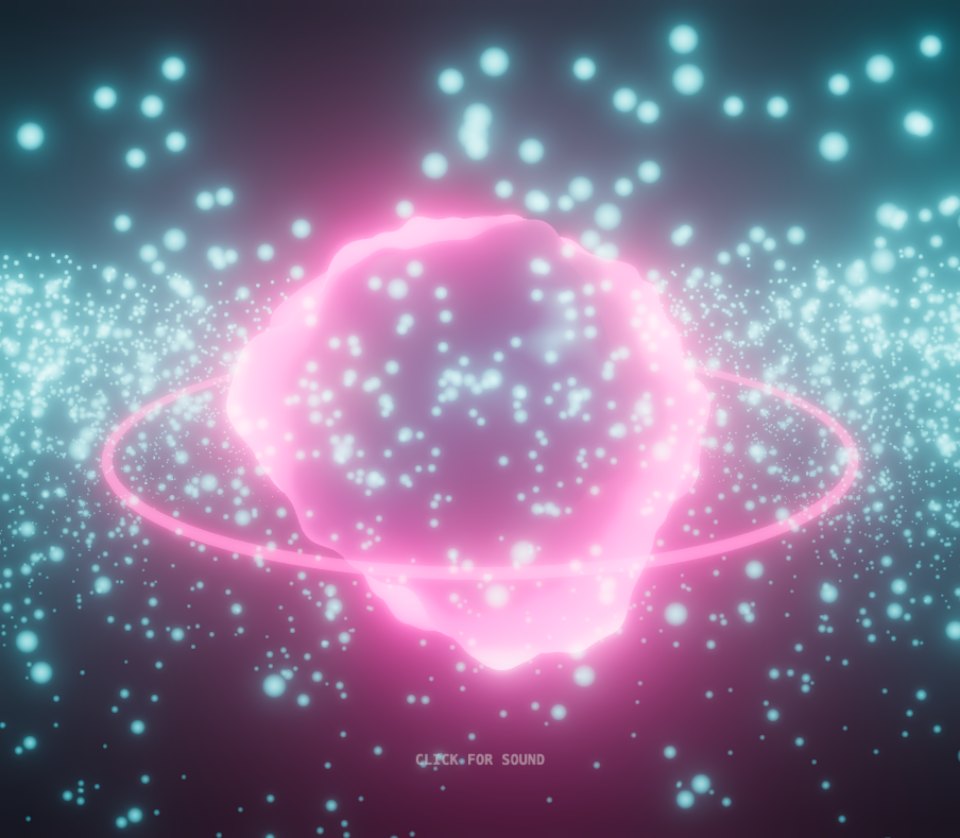
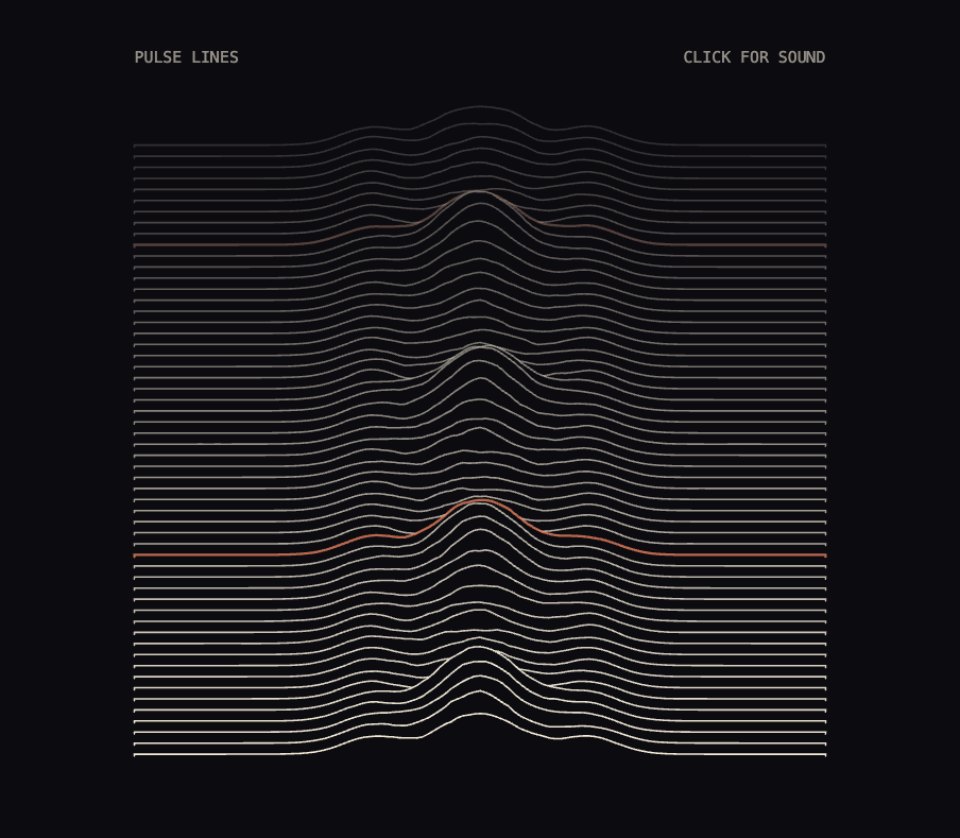
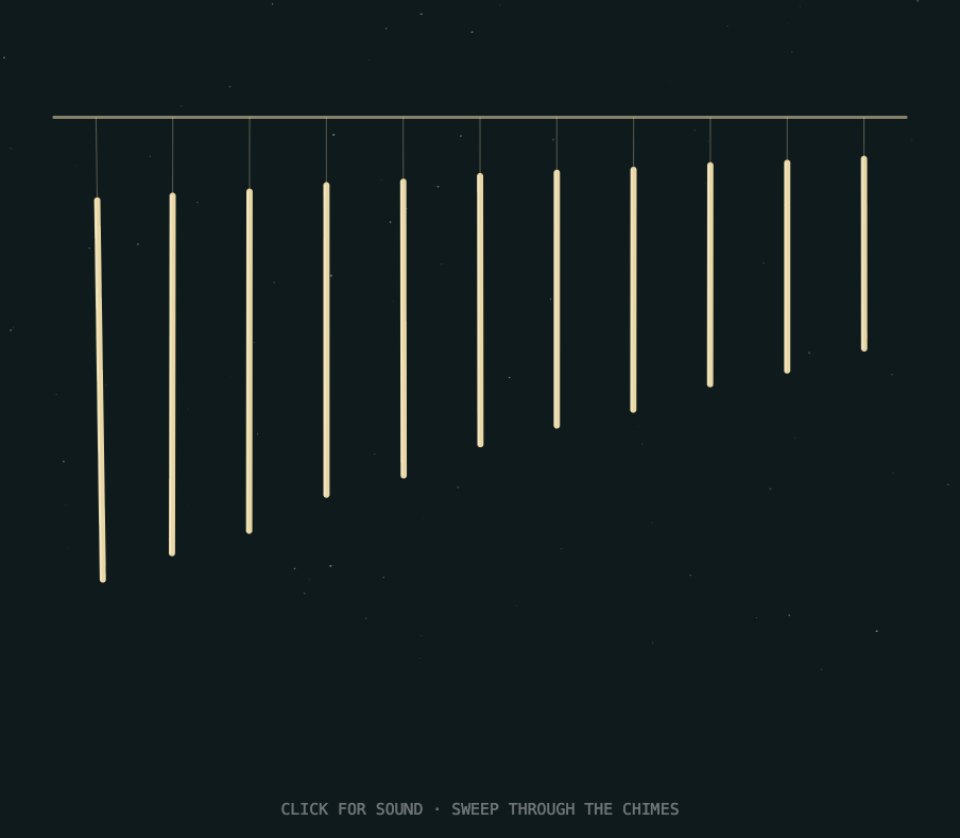
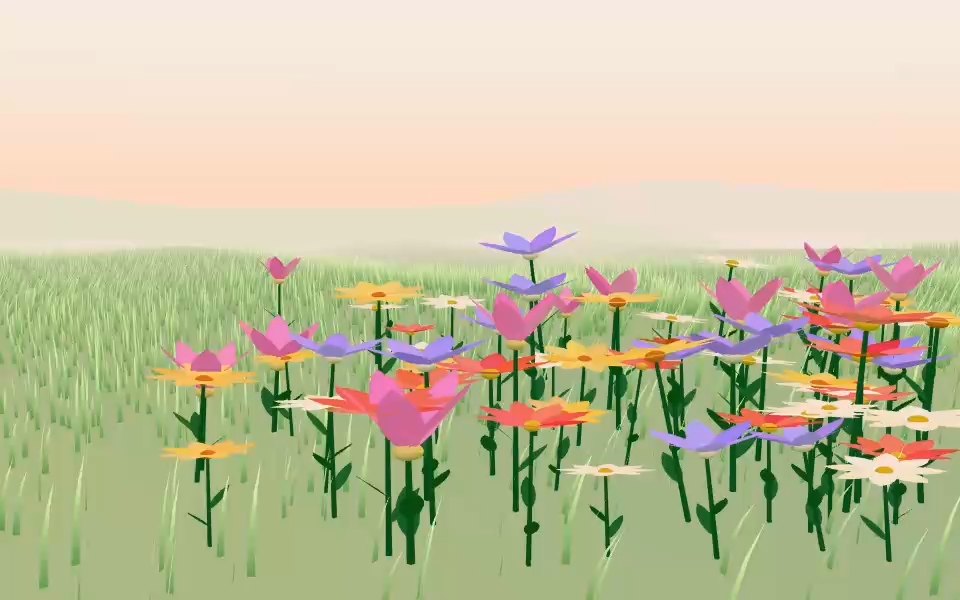
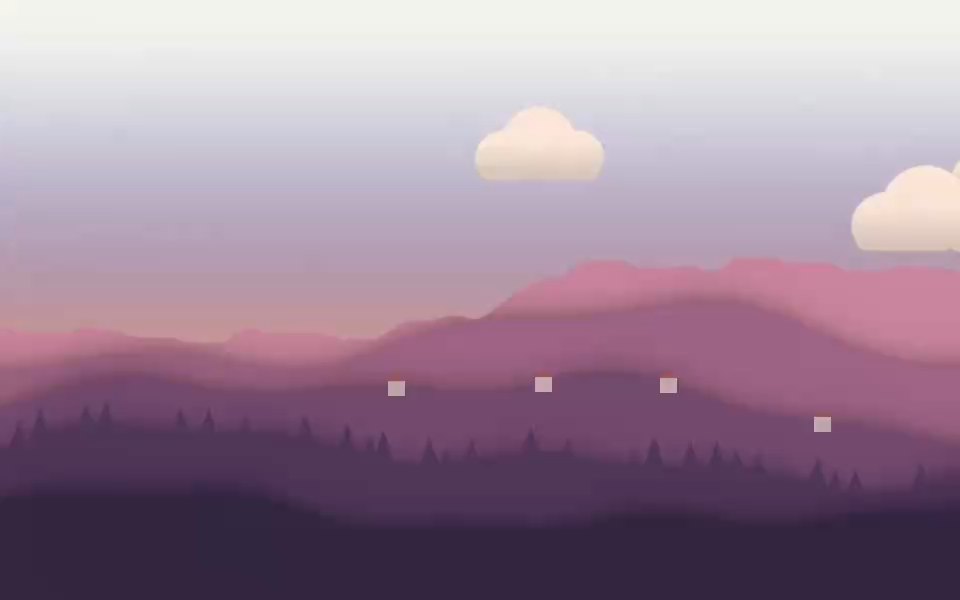
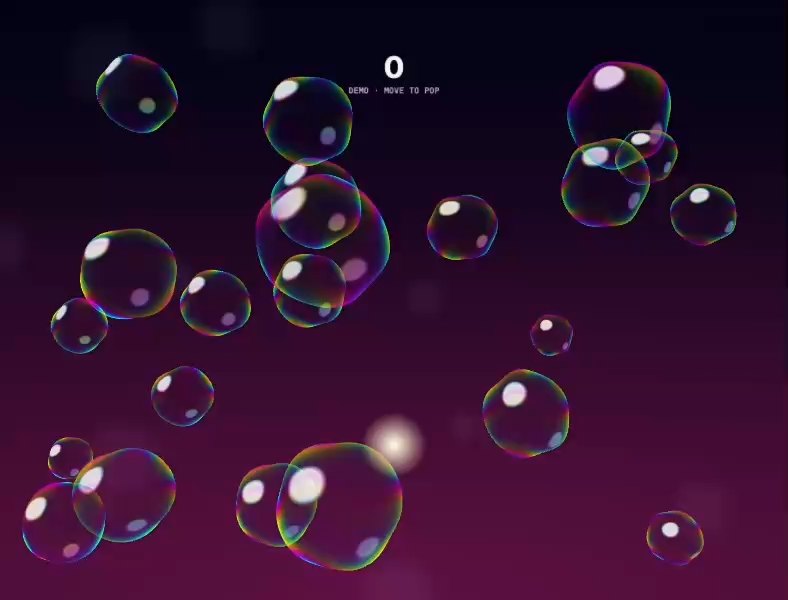
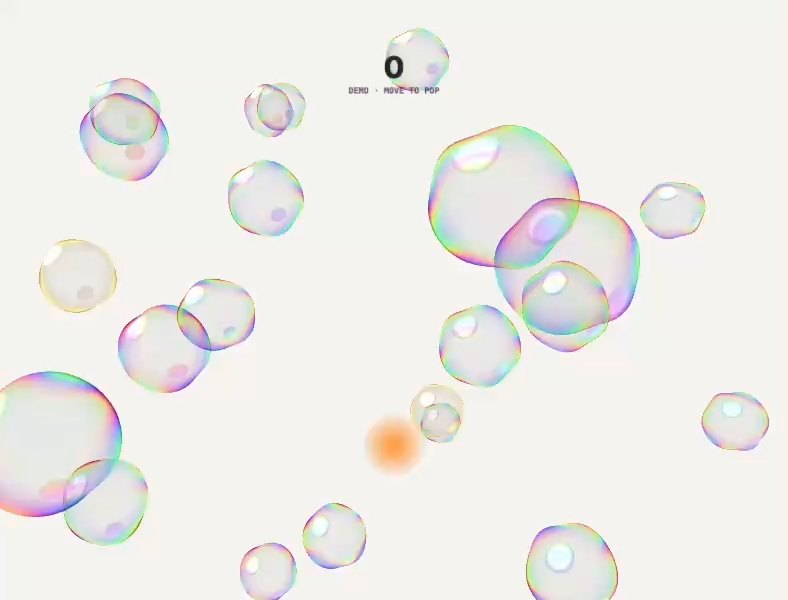
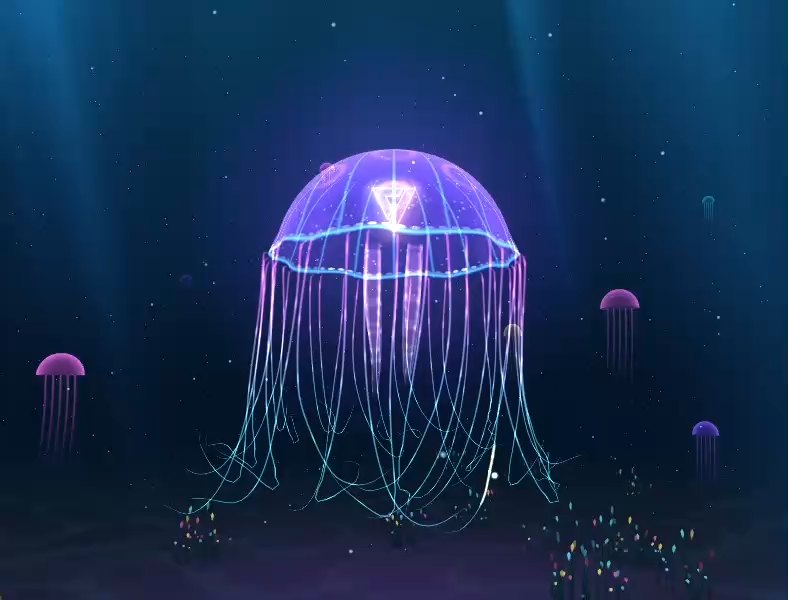
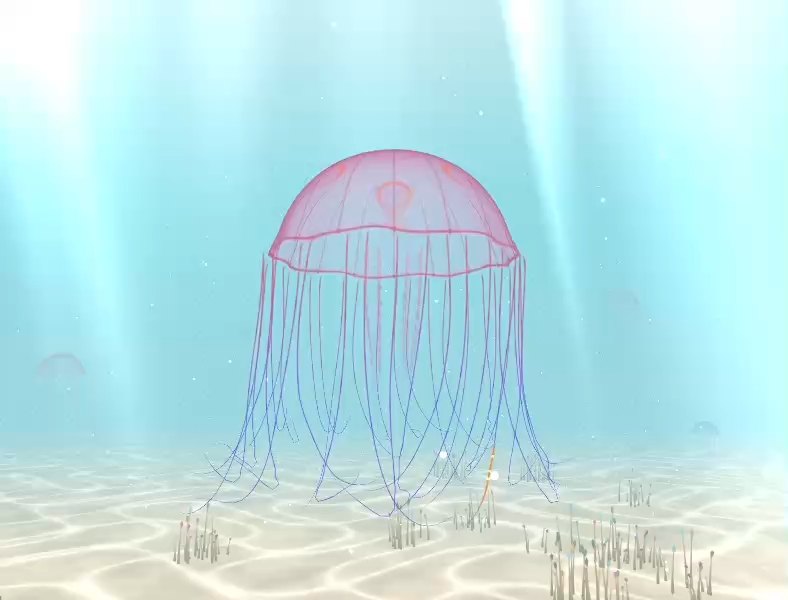
The newest pieces people have made and published. Open one to play it live, then remix it into something of your own.
View the community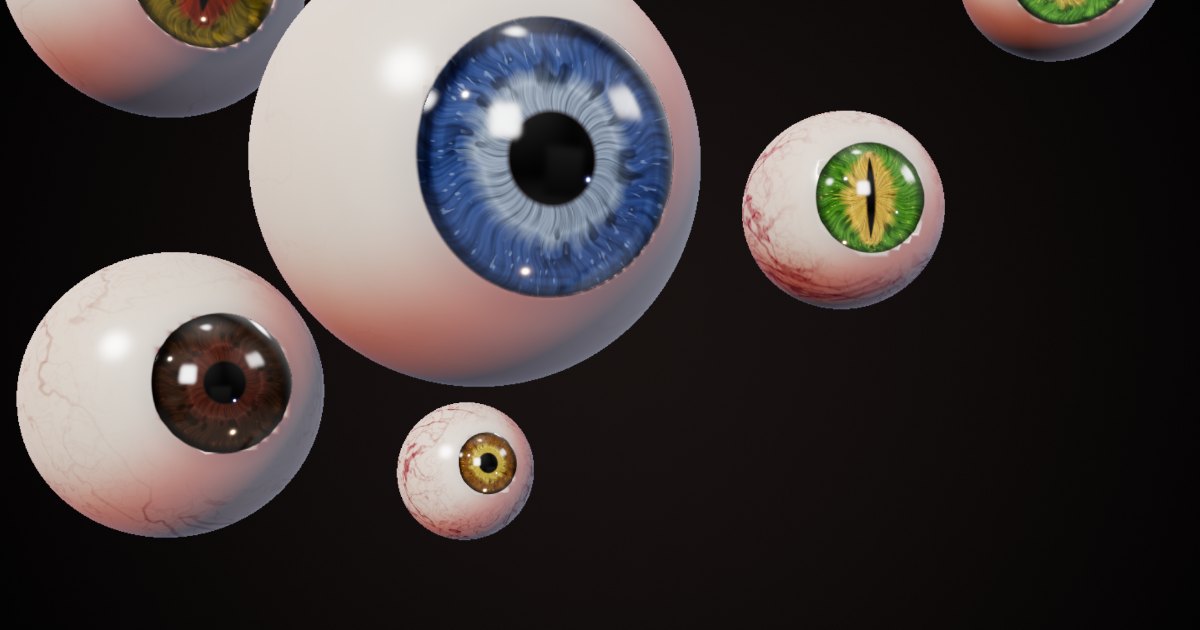
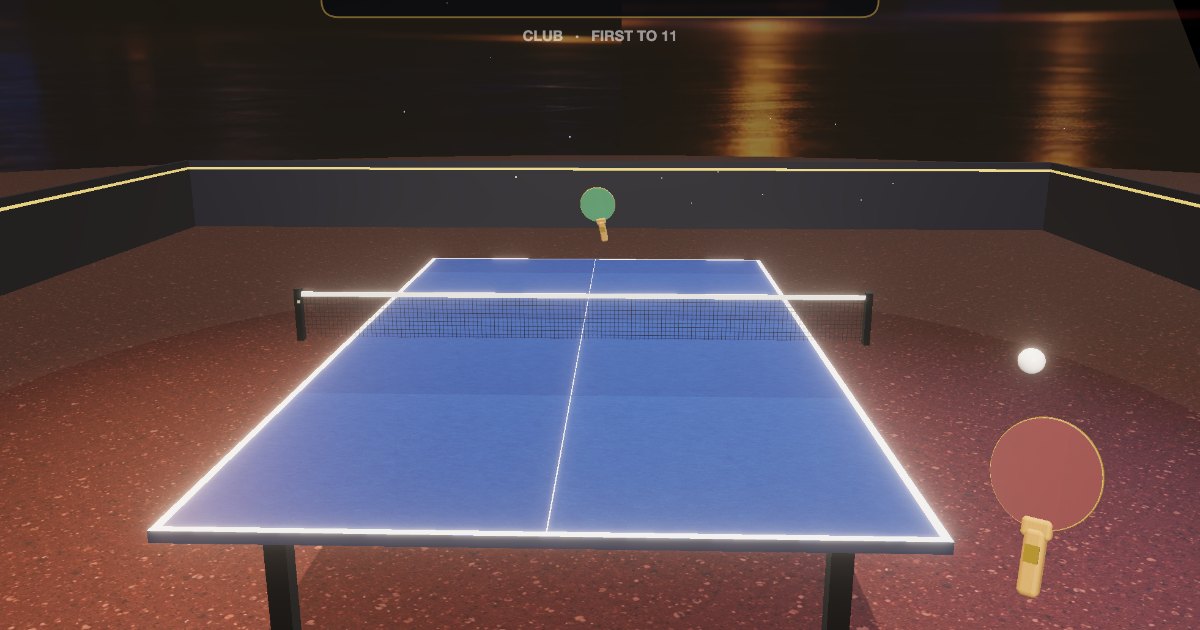

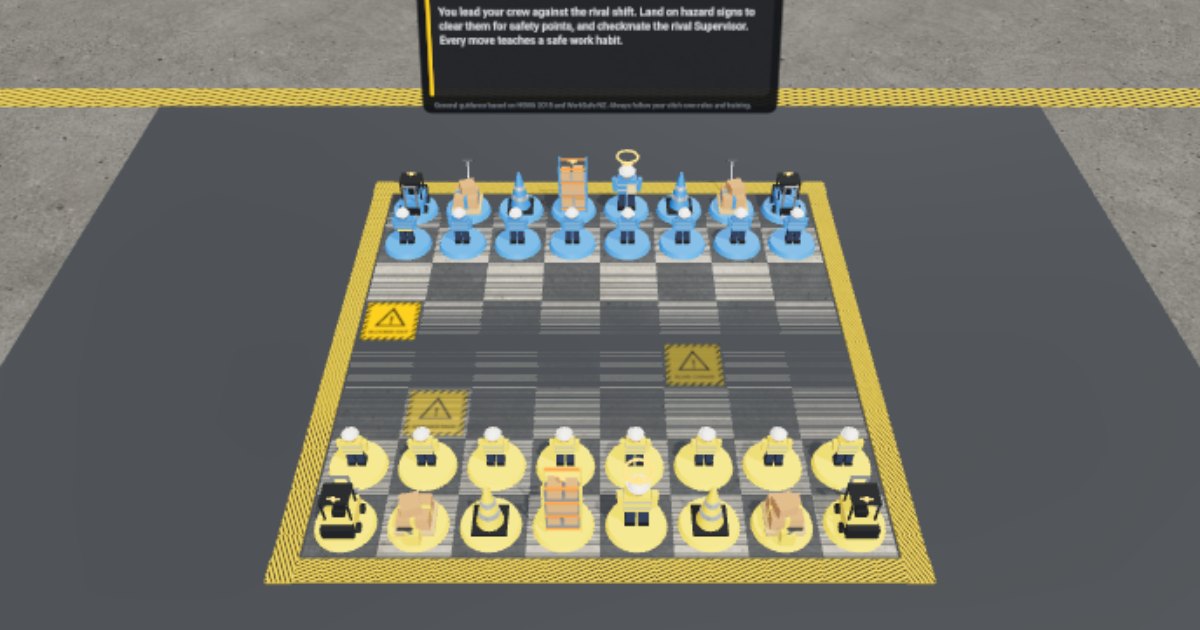
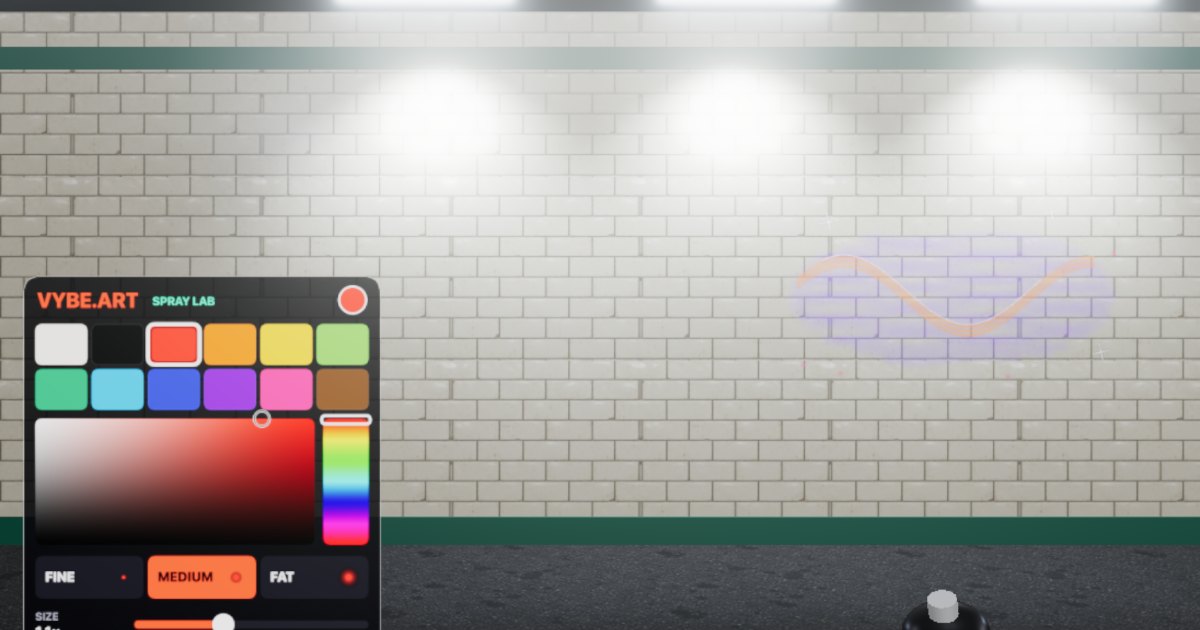
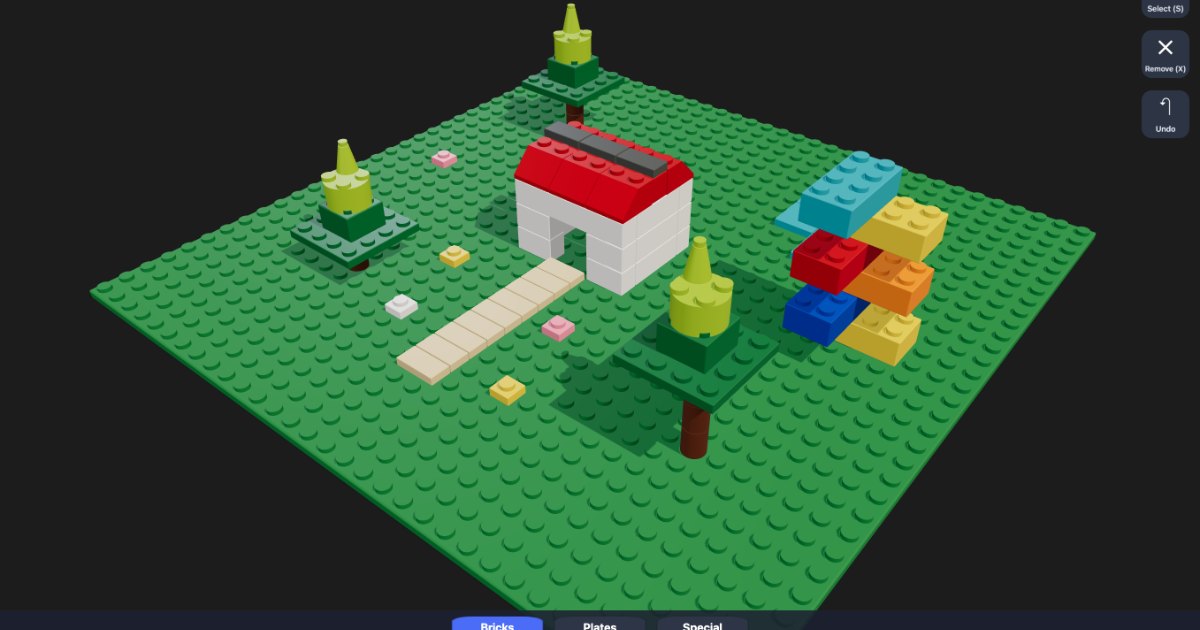
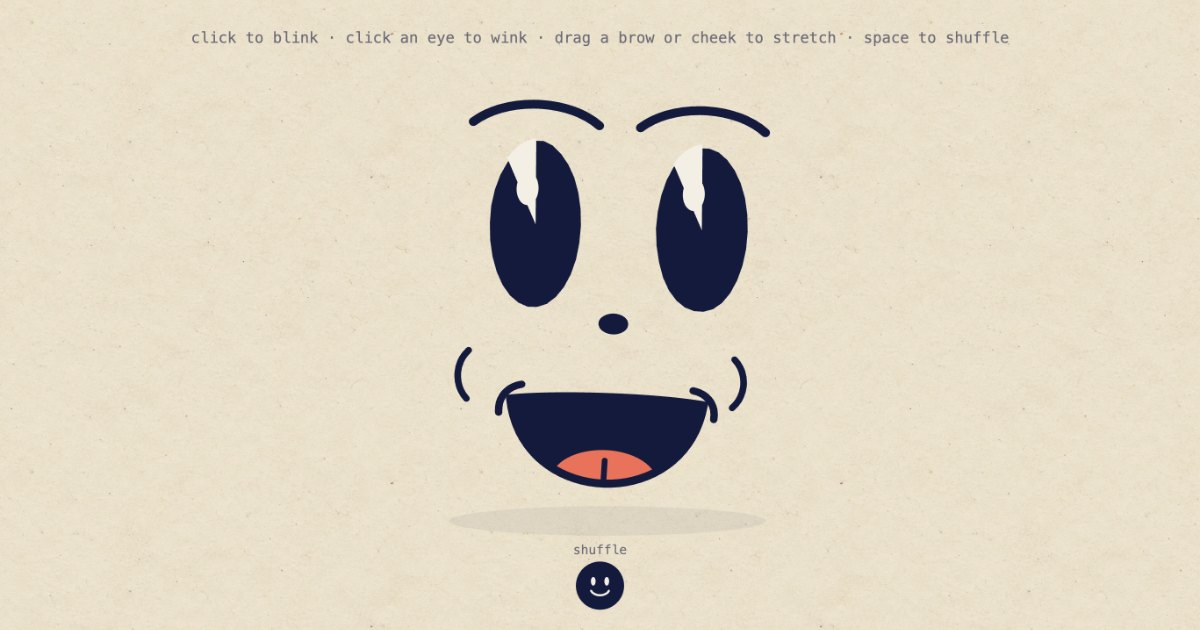
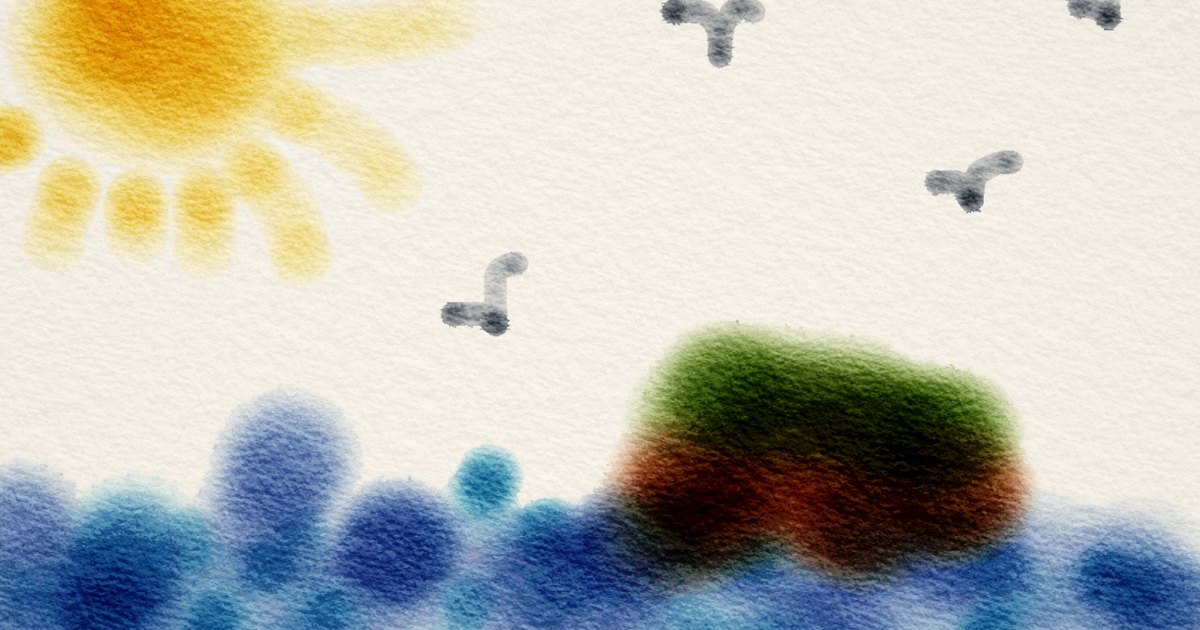
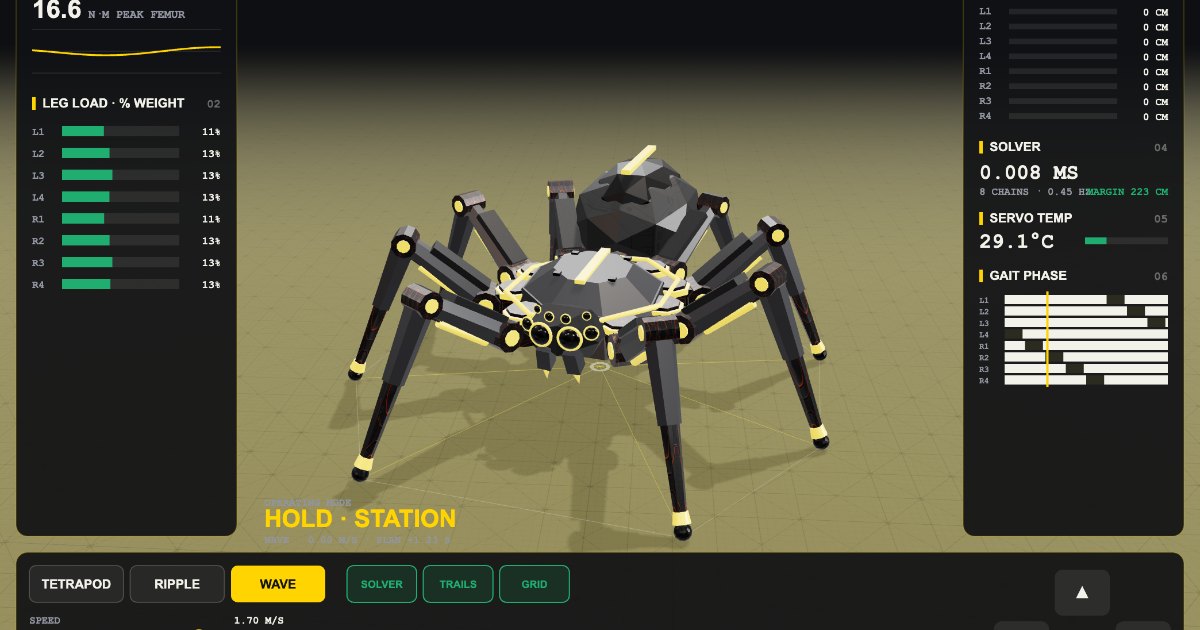
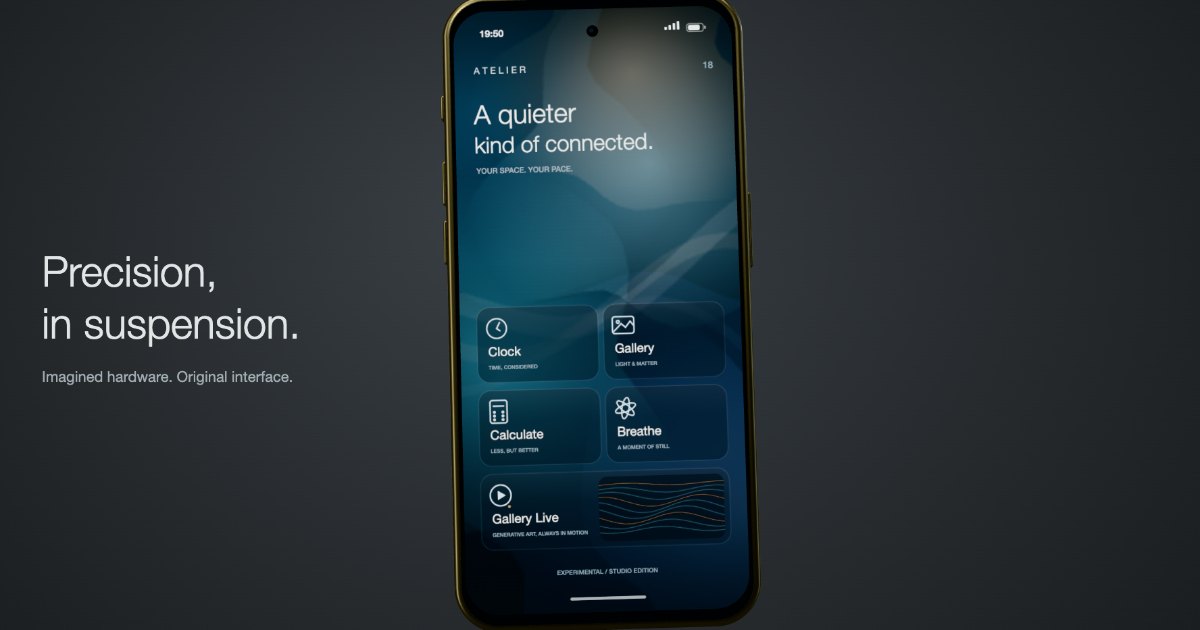
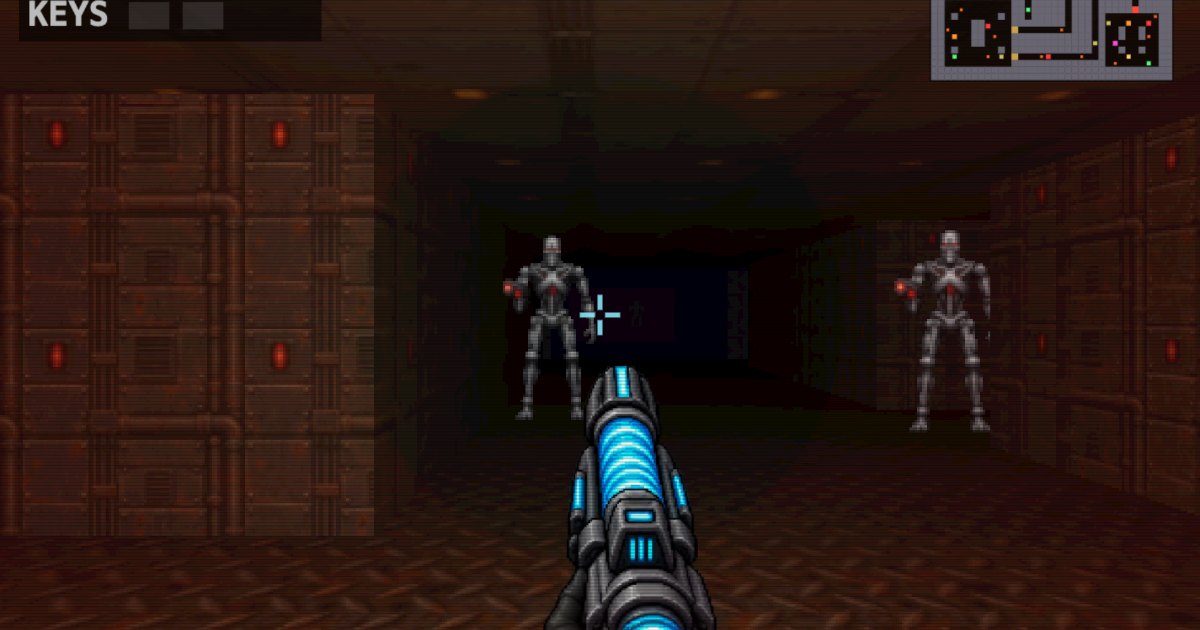
Published from the studio by the community. See them all
02 / Competition · November 2026Open for entries
Code'vember
A month of creative code. You bring the idea, Perlin writes the code.
Make a piece on this month’s theme with Perlin and enter it, free. The most creative, original and inspiring one wins a Vault of 13,000 Vybe Tokens, $99.99 worth of making.
Entries close in
- Vybe Tokens to the winner
- 13,000
- Vybe Tokens to the winner
- entered so far: be the first
- 0
- entered so far: be the first
- entries each
- 3
- entries each
Need a spark?
Pick one and it opens in the studio as your first prompt, ready to change before you send it. Or bring an idea of your own.
- Idea 01A flow field of ten thousand particles that slowly paints a landscape, with the wind following my mouseStart from this
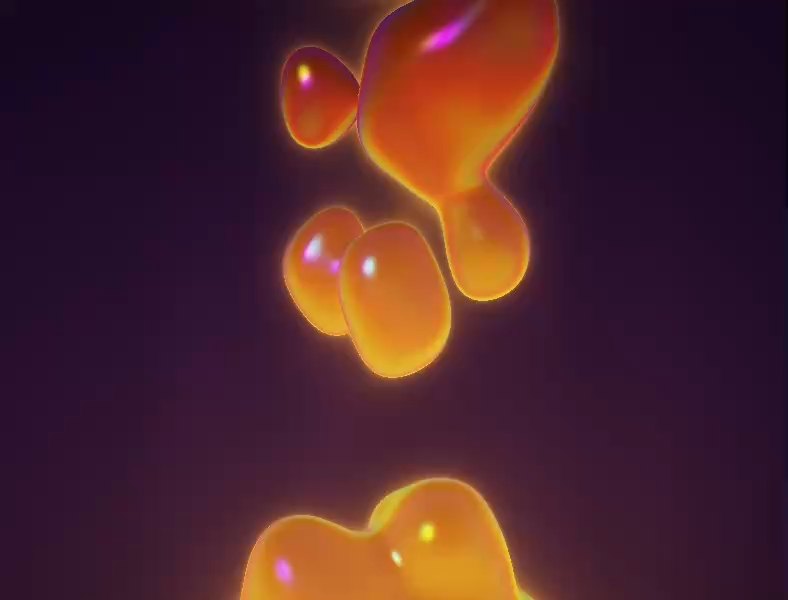
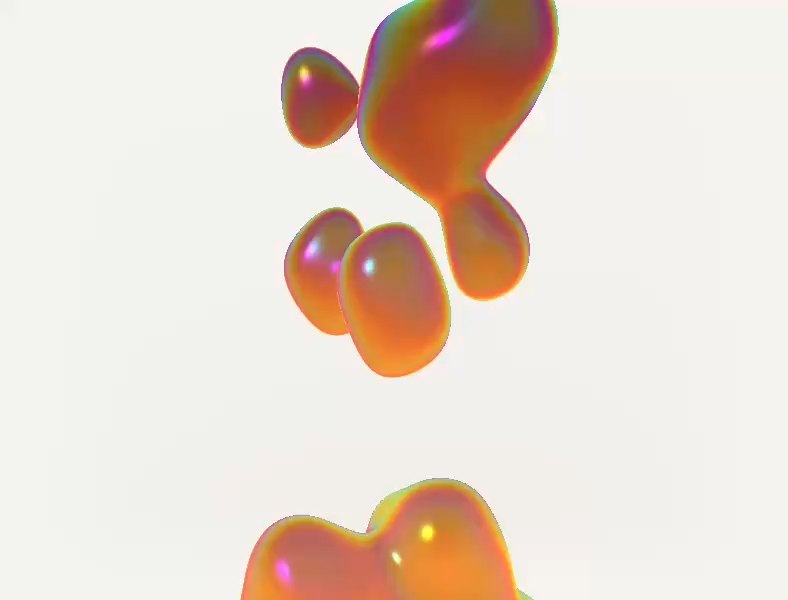
- Idea 02Glossy raymarched metaballs melting into each other, lit like a studio product shotStart from this
- Idea 03Conway’s Game of Life on a huge grid where every new cell plays a note, so the patterns turn into musicStart from this
03 / Built to run
Checked before
it runs.
Verified against the real API. Every import and every engine call is checked against the engine's full API (444 exports, 365 addons) before the code reaches your screen. Mistakes go straight back to Perlin to fix.
Watched while it runs. Runtime errors, shader compile failures, frozen loops and blank canvases are caught in the first seconds, and the studio repairs the code on its own.
Sandboxed. Each piece runs in an isolated frame with no access to your data, and loops that run away are stopped.
04 / Meet Perlin
A focused
creative agent.
Perlin is the artist inside VYBE.ART. Named after the noise that makes randomness feel natural, it turns a sentence into a living piece: organic, surprising, never random.
How Perlin works05 / Motion
Scrub it.
Ship it.
Every piece can carry a timeline, like a motion design tool built into the canvas. Key its controls, lay your words, logo, footage and music over it, cue sound effects on the beats, and render it frame by frame as a video: a reel, an ad, a title or a loop, in the shape each platform wants.
Or ask Perlin for it: “bring the headline in a beat earlier and put a whoosh on the pull back”. Try it here on a live piece: scrub it, move a keyframe or a sound, type a headline, pick a shape and render it, sound and all.
Drag the playhead to scrub, or a keyframe or a sound to move it.
06 / Your assets
Bring your
own.
Upload your logo, your typeface, a 3D model, a track or a clip once, and keep them in the studio. Attach them to any idea and Perlin builds the piece around the real thing: your mark, your letters, your model, as they are.
Your library is private to your account, sorted into folders, and ready in every piece you make.
Upload yours, or have them made07 / VR & AR
Step
inside.
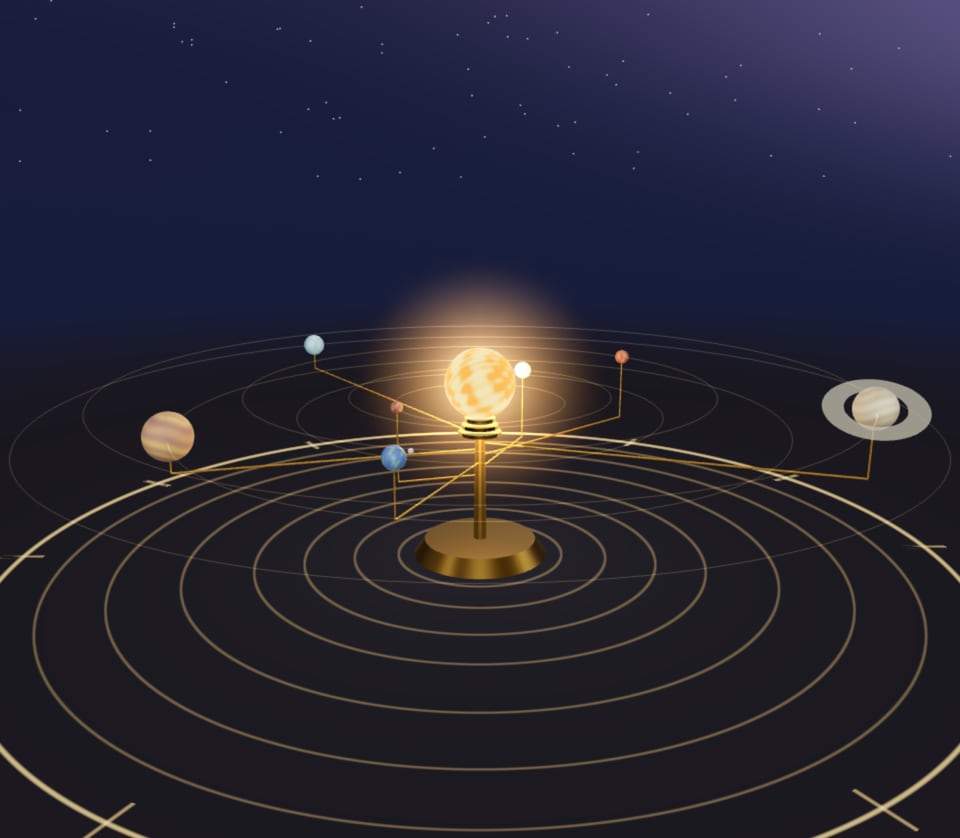
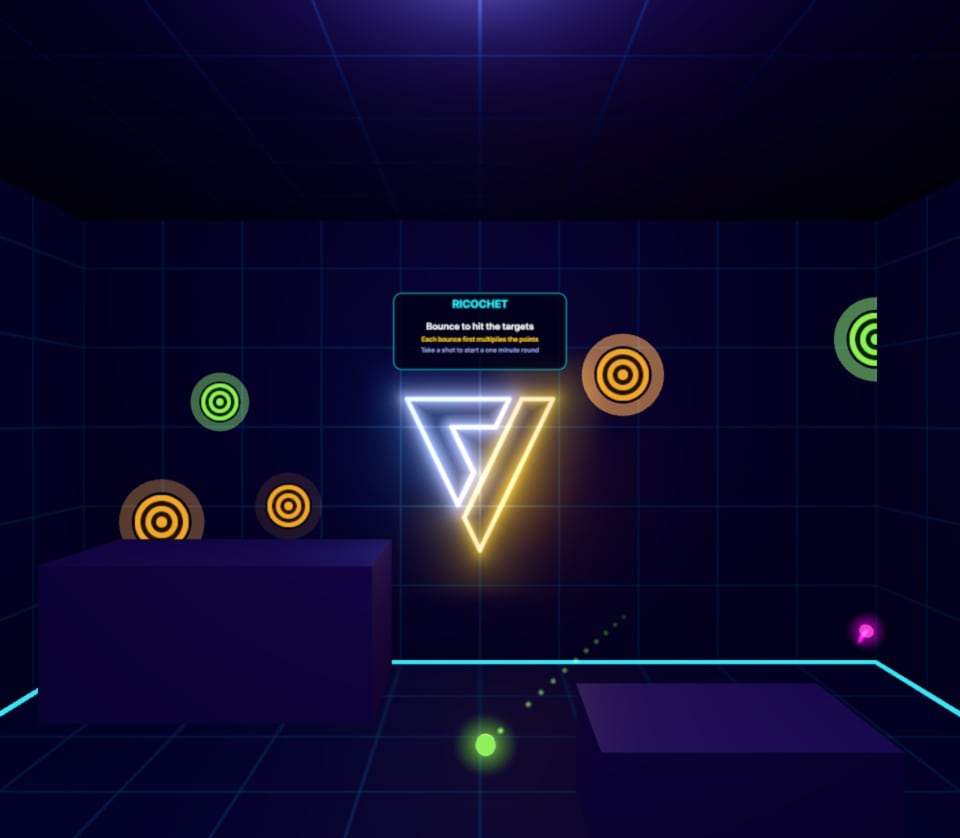
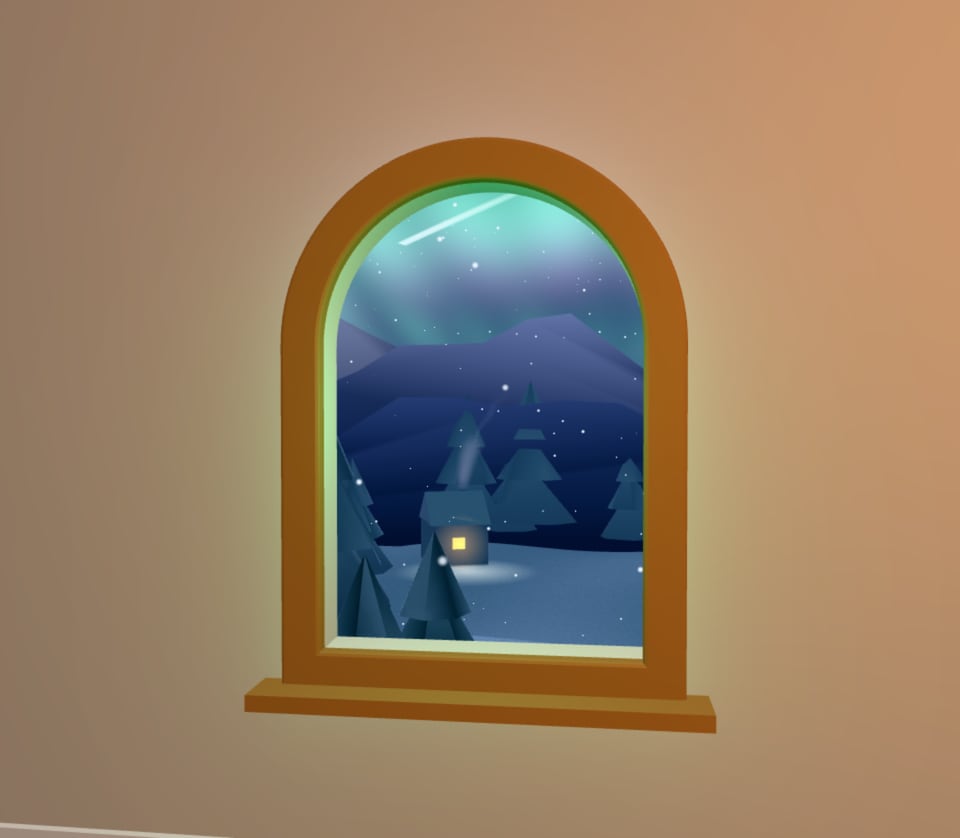
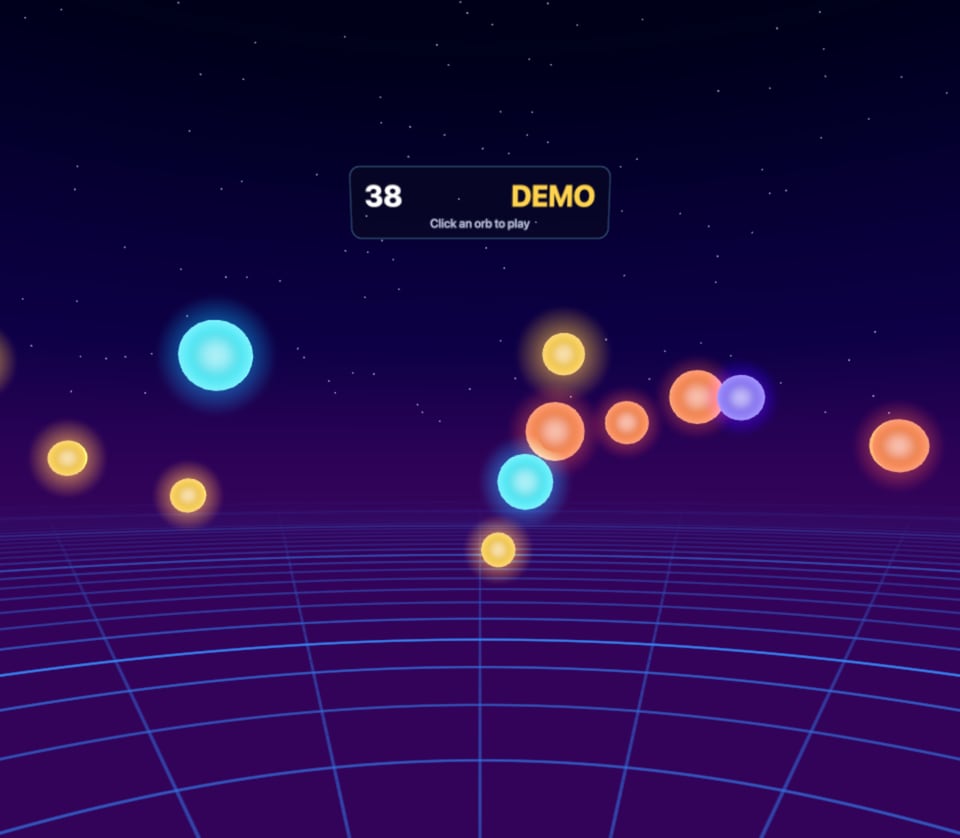
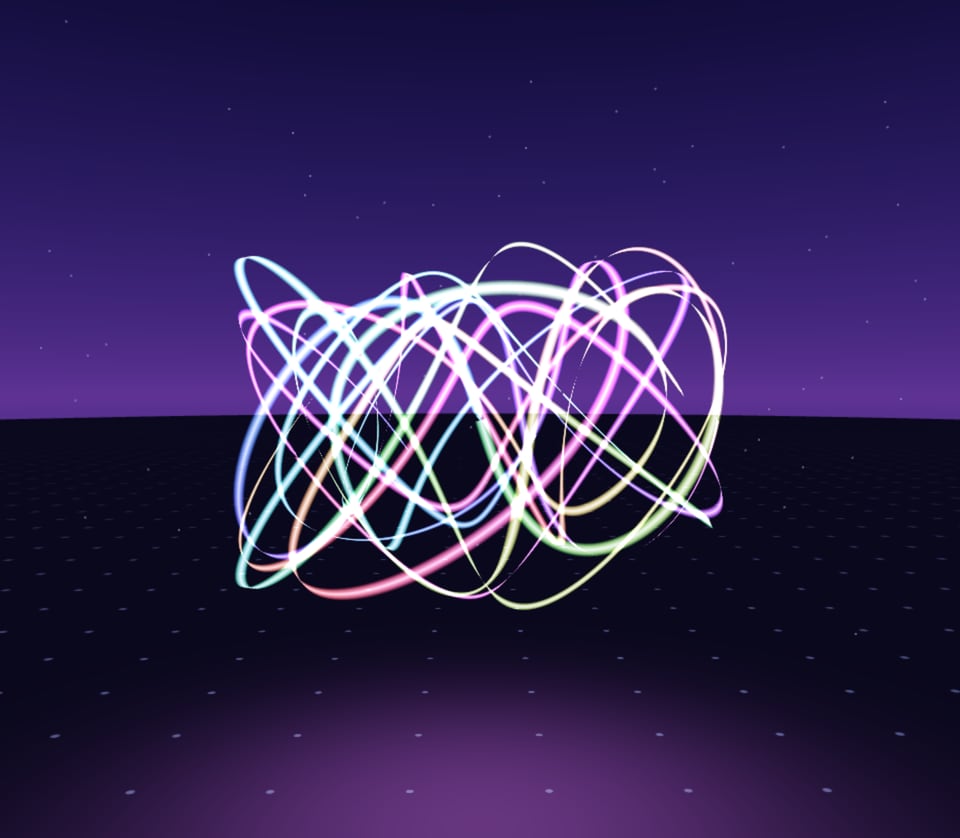
Pieces for headsets and phones: worlds to step into in VR, and things that come into your room in AR, onto your walls and your table. Open one on a Quest and tap Enter VR or Enter AR. Everywhere else it plays on the screen.
How VR and AR pieces work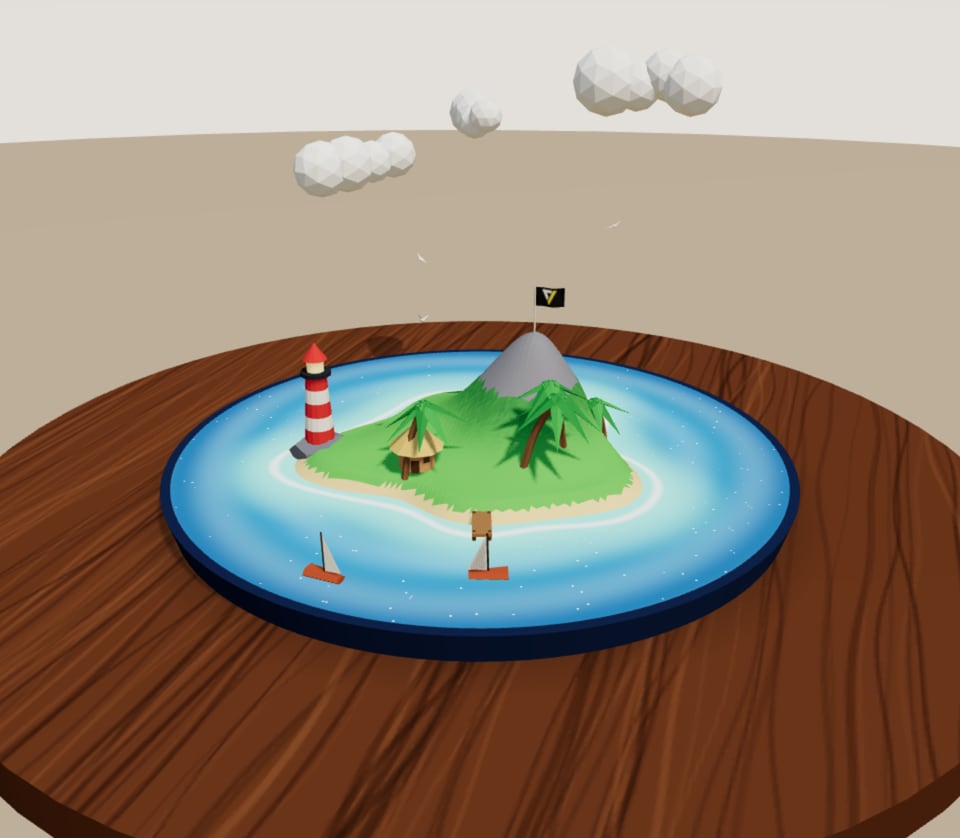
08 / Gallery
Made in
the studio.
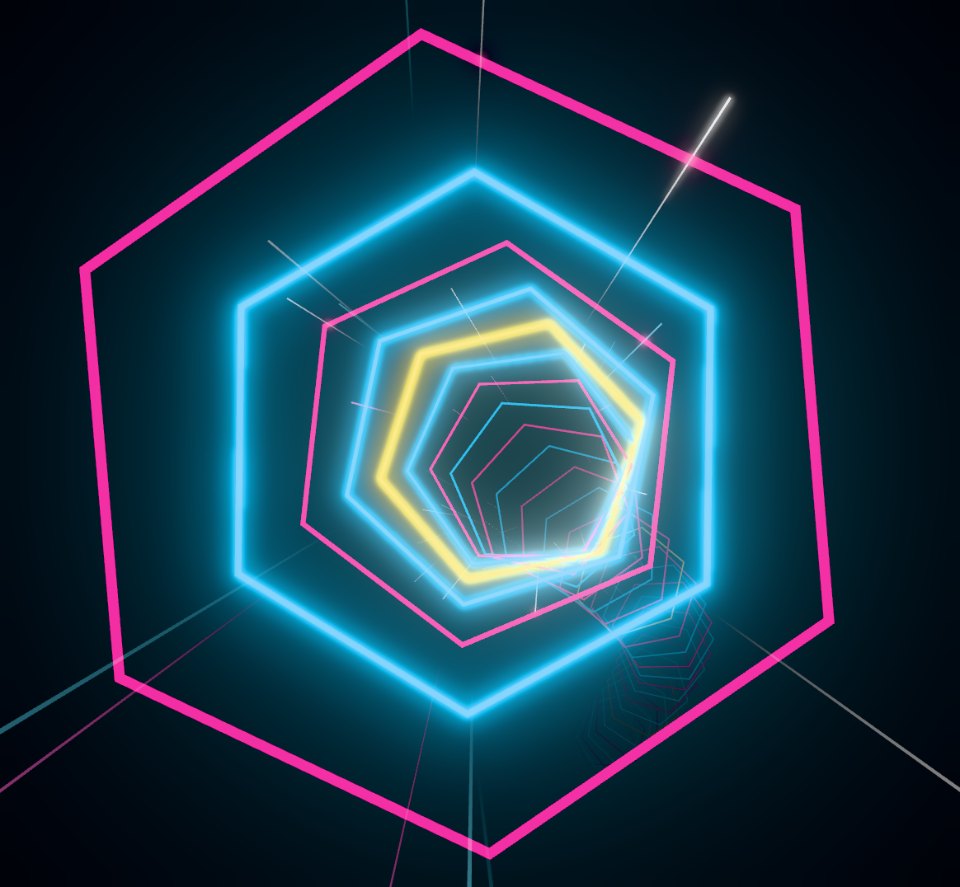
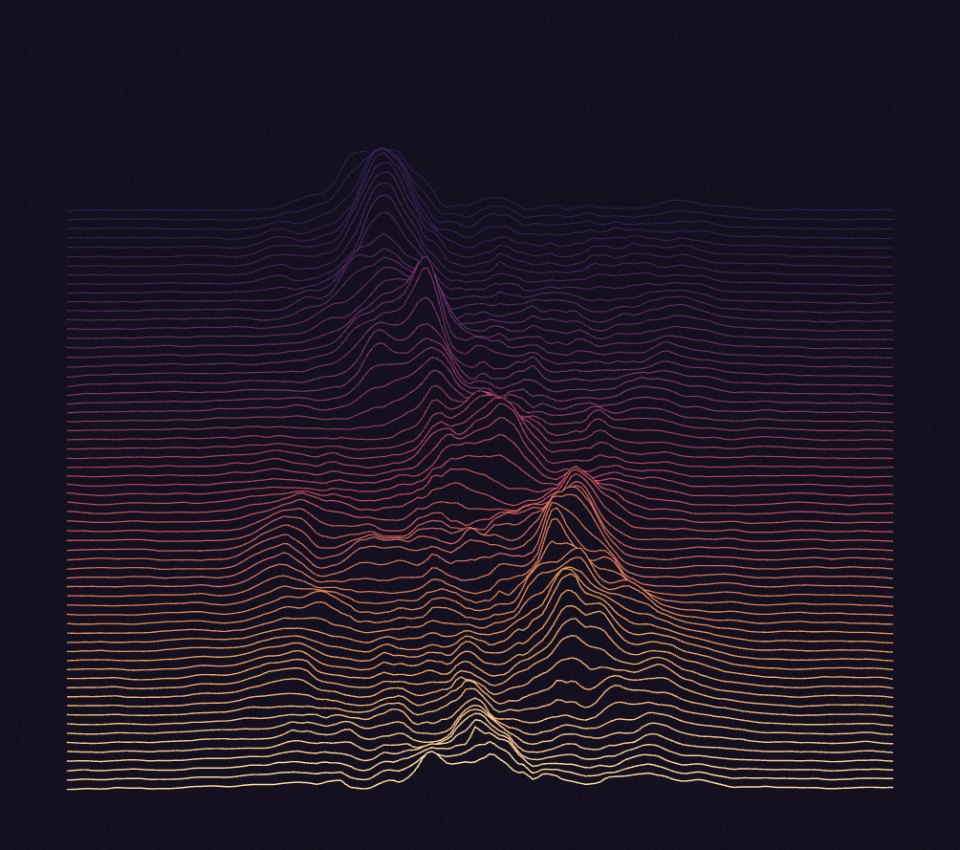
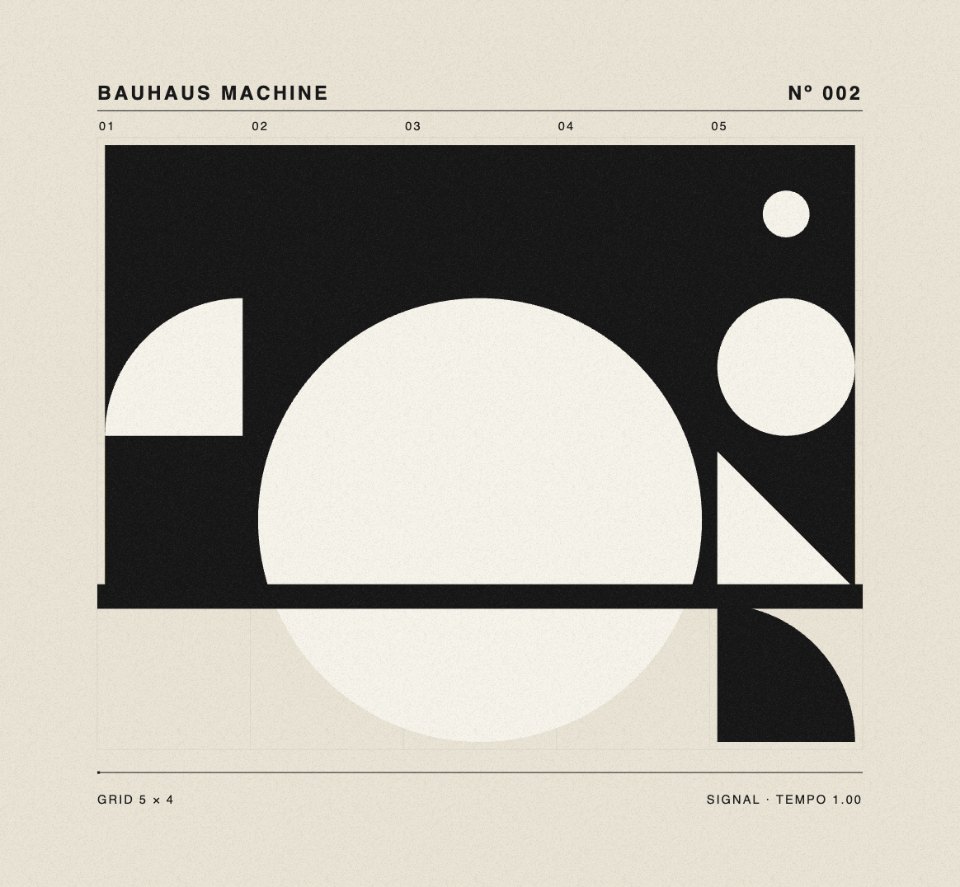
A starting point for every mood: materials, particle systems, raymarched worlds and generative drawings, then shader looks, games and pieces with sound. Hover to play, click to open one in the studio and remix it with a sentence.
Every example, with its prompt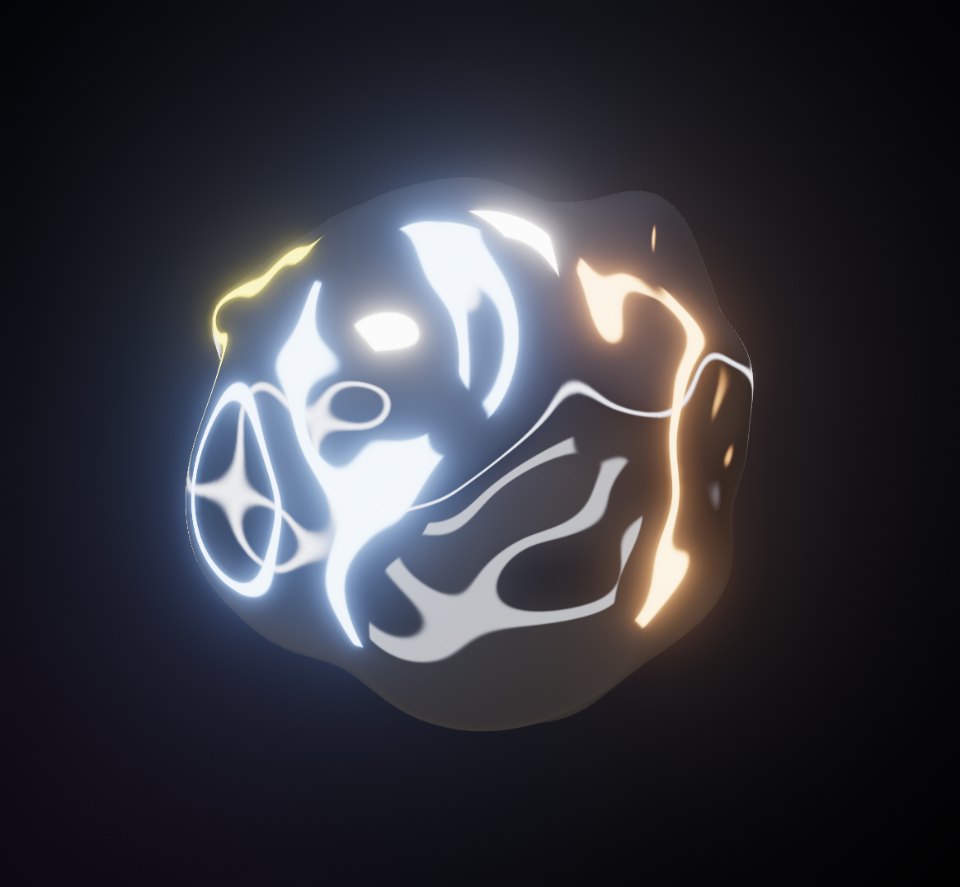


6 of 23
Set the scene.
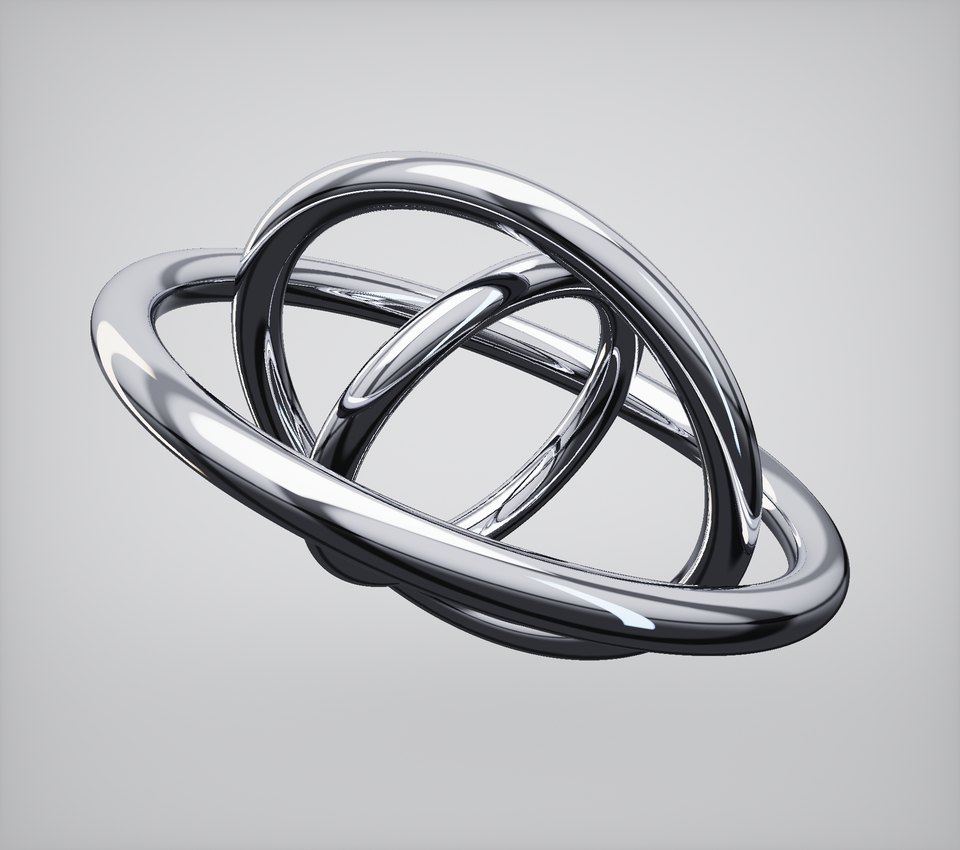
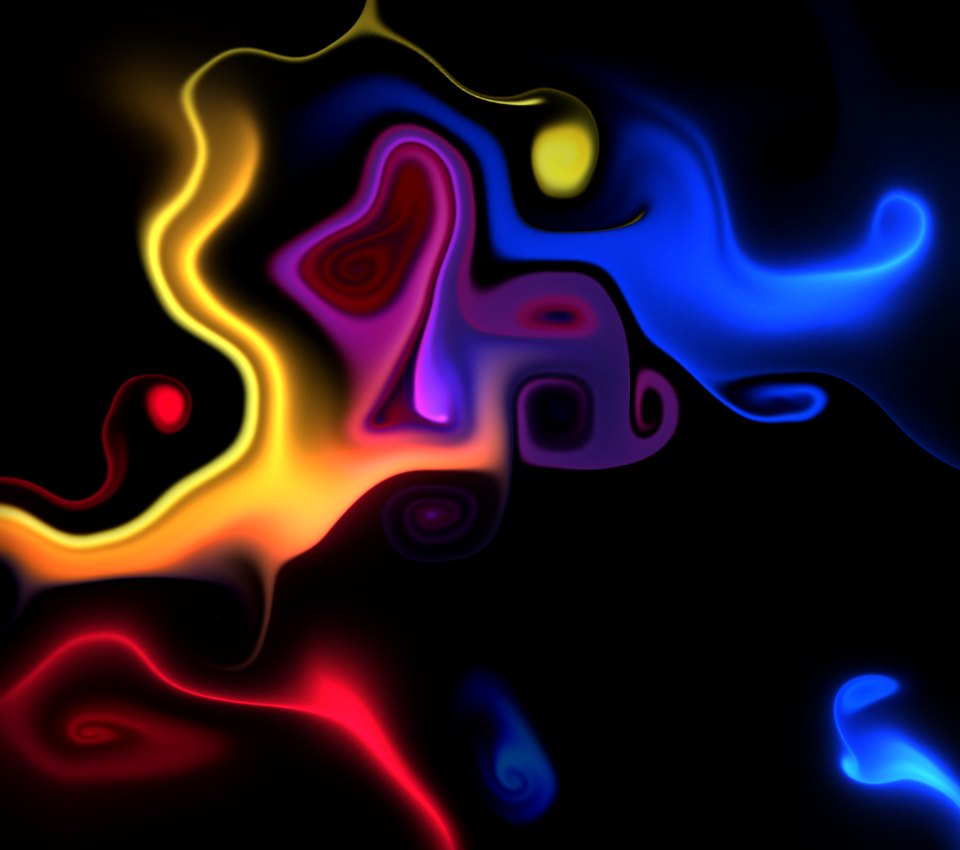
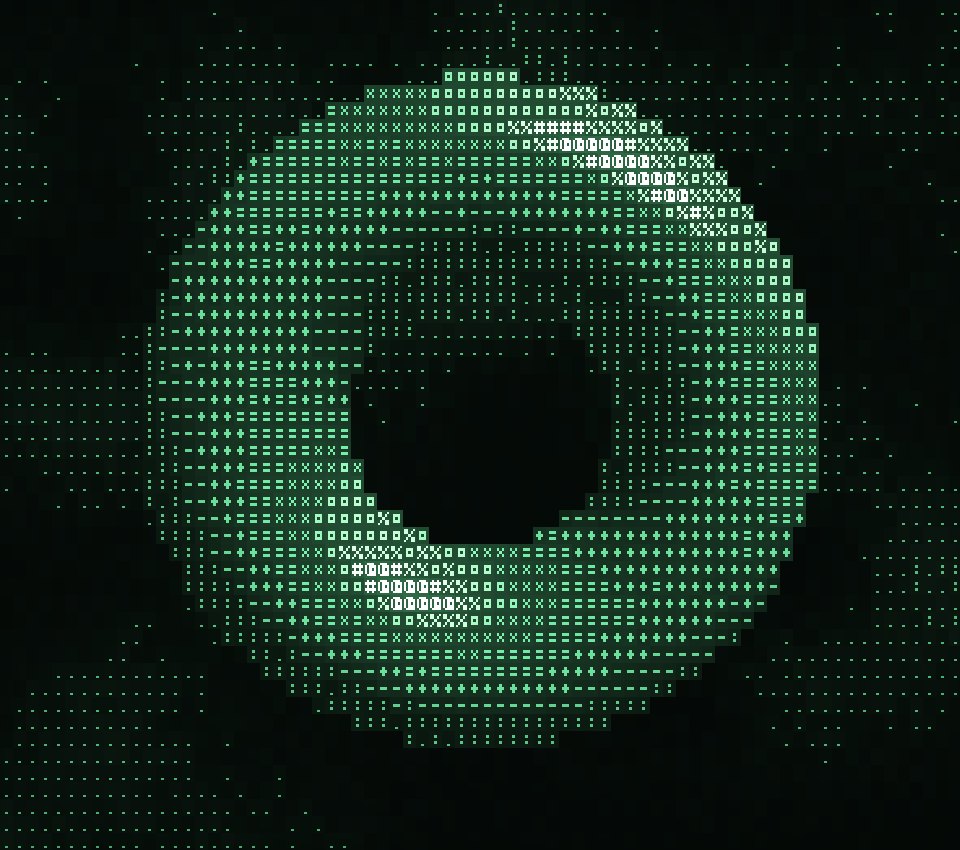
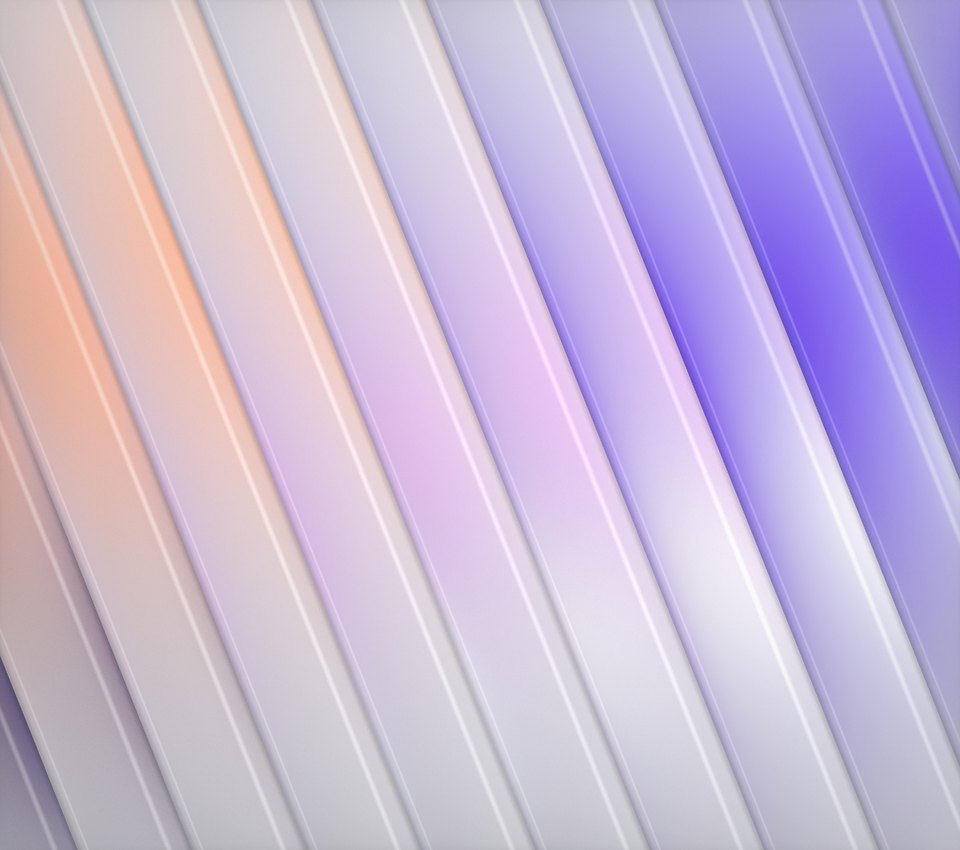
Looks that fit in a single shader: gradients, glass and chrome, halftone and dither, old screens. Open one, bend it with its sliders or change it with a sentence.


6 of 23
Or play one.
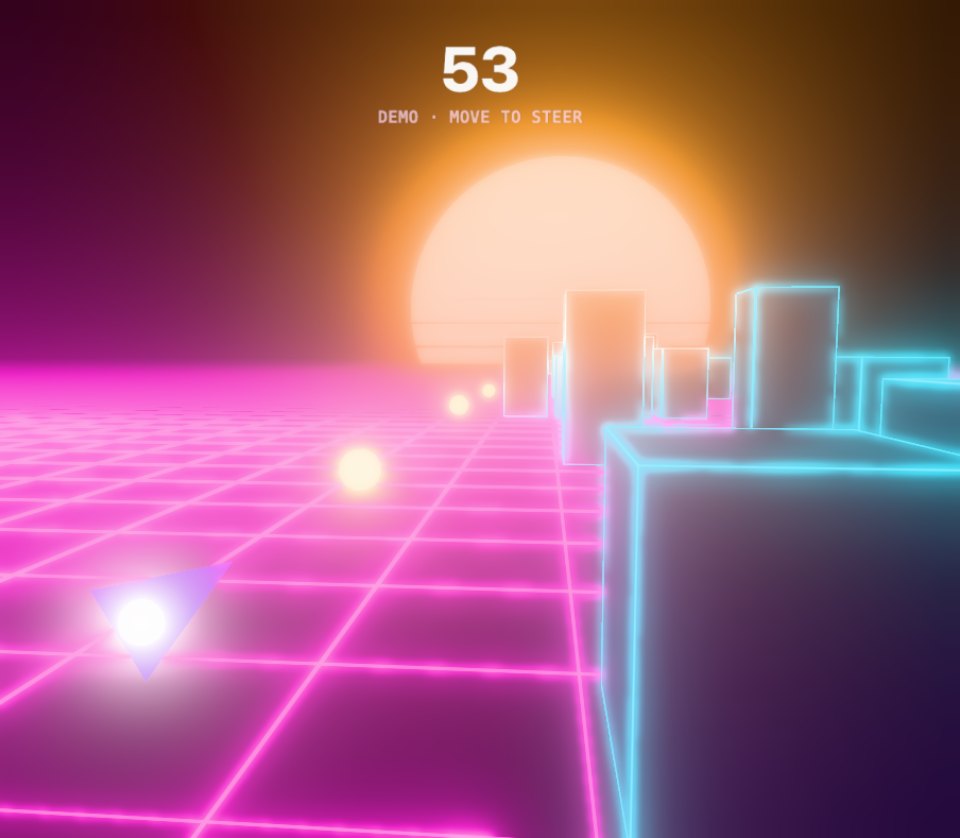
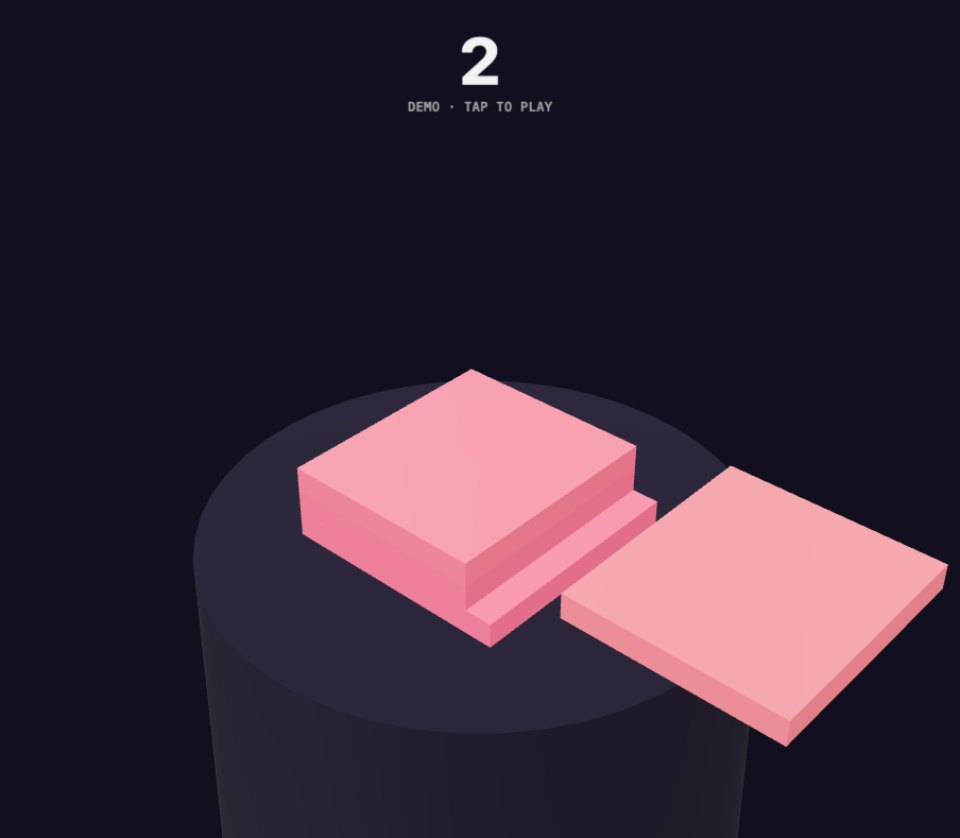
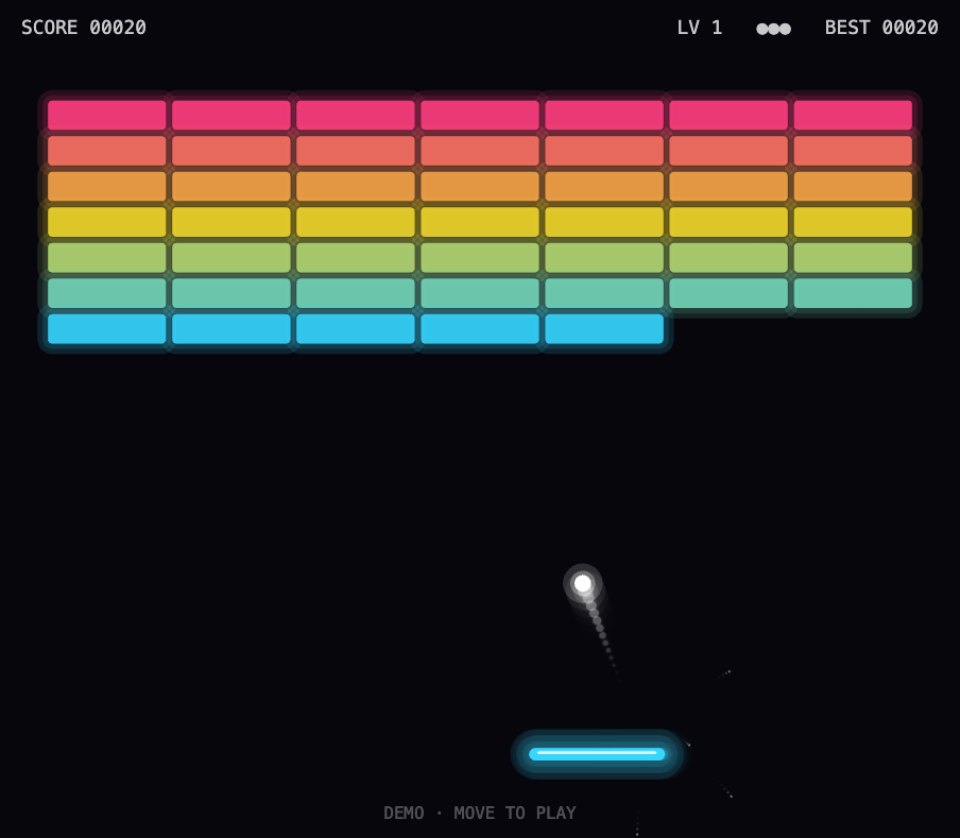
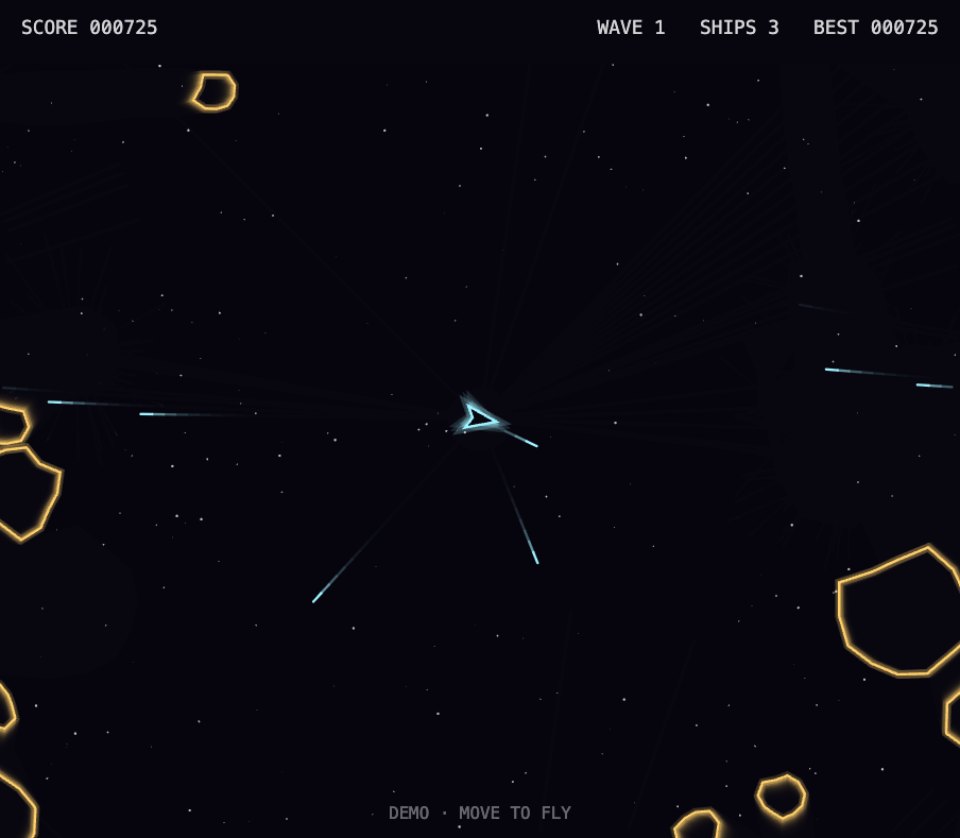
Mini games built the same way, from a sentence. Each one plays itself until you take the controls, and every rule is a slider you can bend.
Turn it up.
Pieces with their own soundtrack, composed alongside the visuals. They move to the music: bass, highs and every beat. Open one and click for sound.