Export / Share, embed, keep
Take itanywhere
A piece doesn’t have to stay in the studio. Send it as a link, run it live on your own site, set it as the wallpaper on the screen in front of you, or keep it as a file. Everything here works on anything made in VYBE.ART.
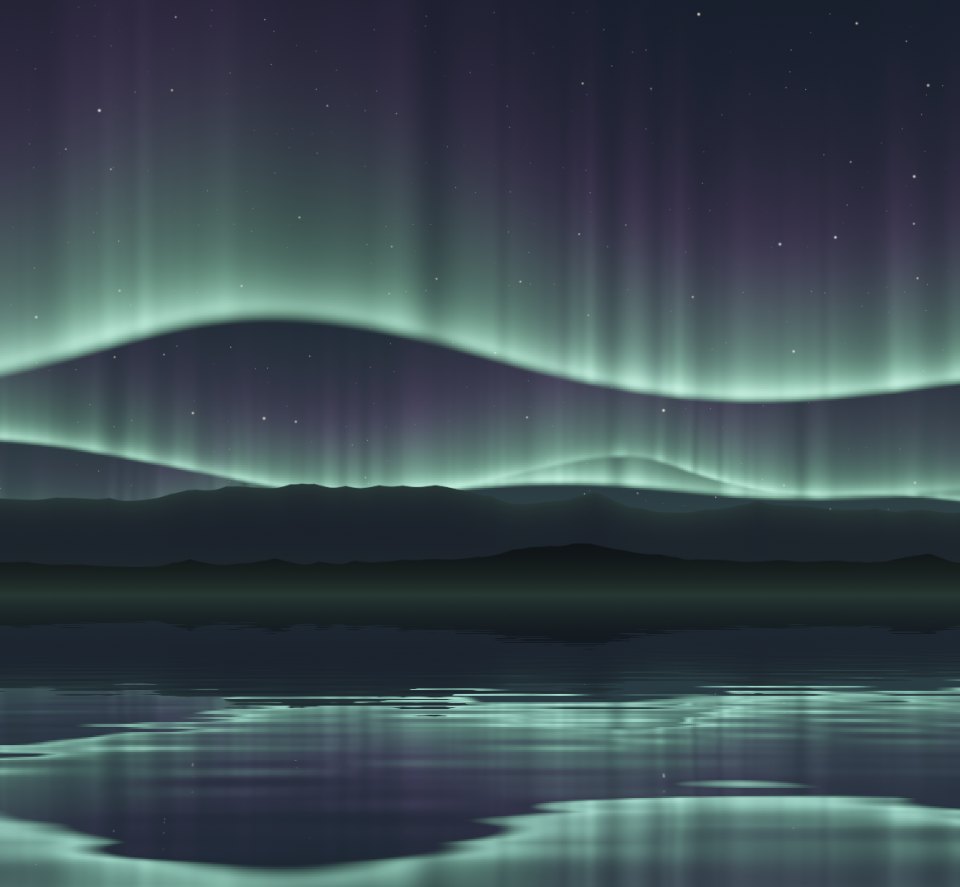
01 / Wallpaper & avatar
Composed for
your screen.
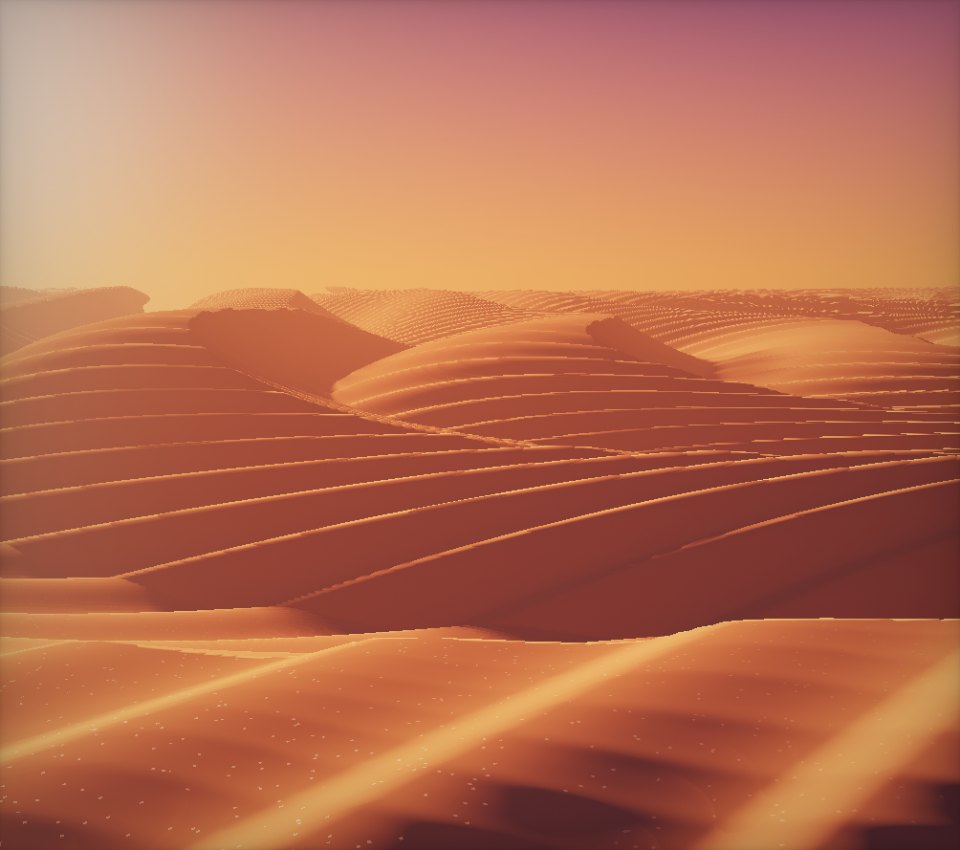
A wallpaper isn’t a crop of what’s on stage. The piece runs again in a frame laid out like the screen you chose, at its exact resolution, so the camera, the shader and the drawing all compose themselves for that shape.
34 screens, or your own
Macs, iPhones, iPads, Pixels, Galaxies and common displays are built in, next to 12 aspect ratios from HD to 5K. The maker also spots the screen you’re on.
Pick your moment
Pause on the exact frame you want, or restart the piece for a fresh variation. What you see in the preview is what gets saved.
Saved the right way
PNG or JPEG at full resolution. On an iPhone or iPad it goes straight to Photos, with a one-line reminder of how to set it.
02 / Embed
Live on
any page.
An embed is the piece itself, running, not a video of it. Paste one line of HTML into a blog, a portfolio or a product page and it plays there, pointer interaction included.
Journal
Northern lights, rendered live
Size
Shape
The code
<div style="position:relative;width:100%;aspect-ratio:16/9;"><iframe src="https://vybe.art/e/Hk3mQ9xTz2" title="Aurora Veil · VYBE.ART" loading="lazy" allow="fullscreen; autoplay" allowfullscreen style="position:absolute;inset:0;width:100%;height:100%;border:0;border-radius:12px;"></iframe></div>A sample for Aurora Veil. The code for your own piece is under Export › Embed code, in the studio and on every share page.
Polite to its host
The player pauses when it scrolls out of view and loads lazily, so an embed doesn’t spend the page’s GPU on something nobody is looking at.
Any shape
Responsive at 16:9, 4:3, 1:1 or 9:16, or fixed at any size from 120 to 4,096 pixels. Full screen is allowed.
A way back
A small mark in the corner opens the piece on VYBE.ART, where a visitor can watch it full screen or remix it.
03 / Share & publish
A link is
enough.
The fastest export is no export at all. A share link opens the piece live for anyone, on any device, with nothing to install and nothing to download.
vybe.art/s/Hk3mQ9xTz2
A short link to this exact version
Share saves the version on stage and gives it a short address, with a preview image wherever it’s posted. It stays off the community page until you publish it, and sharing the same version twice returns the same link.
Aurora Veil · VYBE.ART
A living GLSL piece made with VYBE.ART. Open it to watch it move, then remix it in the studio.
vybe.art
- Watch it full screen
- Remix it in the studio
- Save it to favourites
- Make a wallpaper
- Embed it
Community
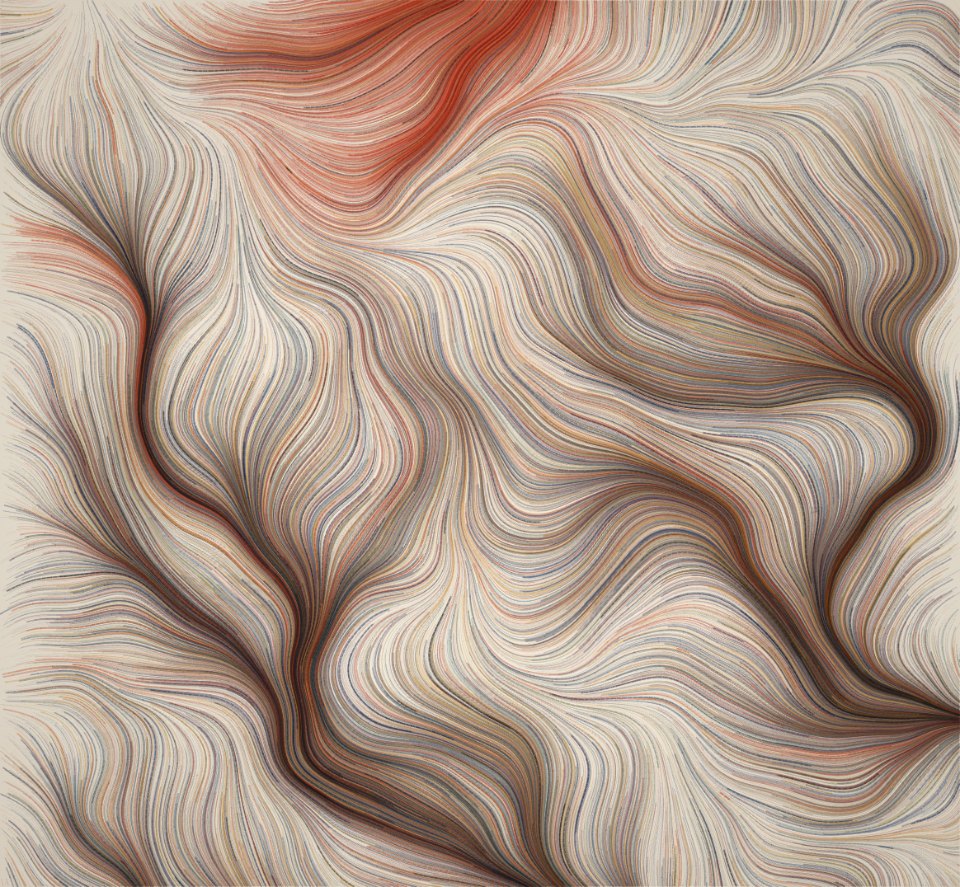
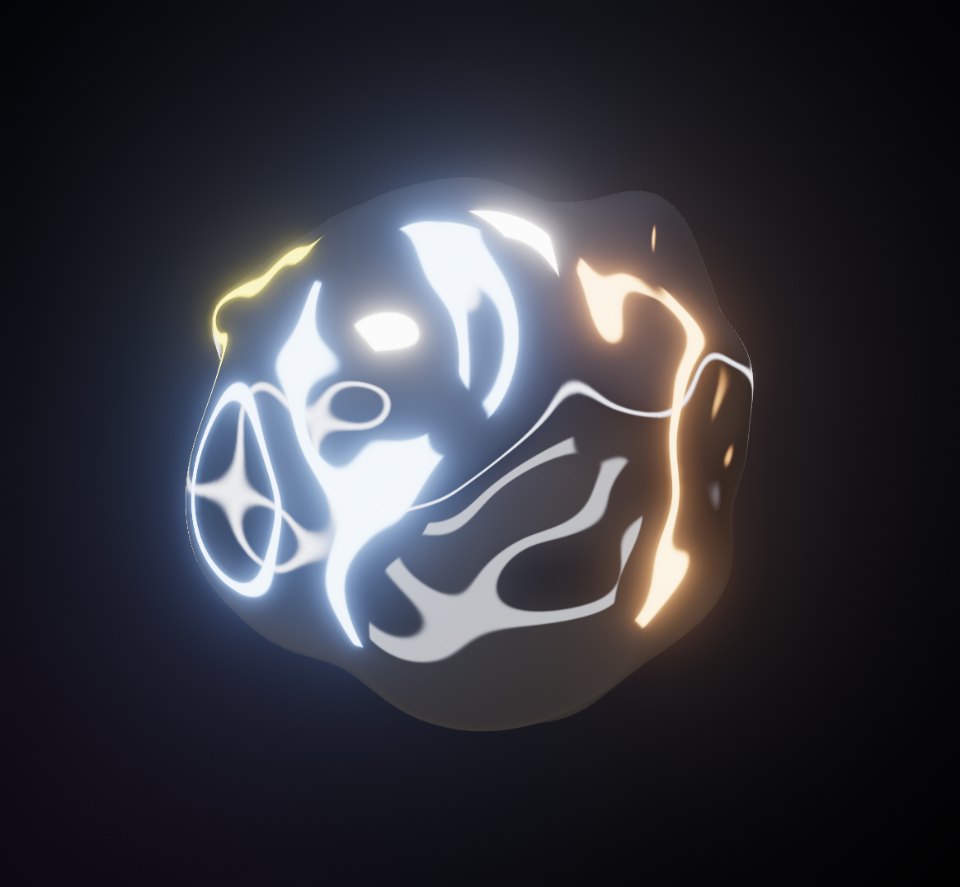
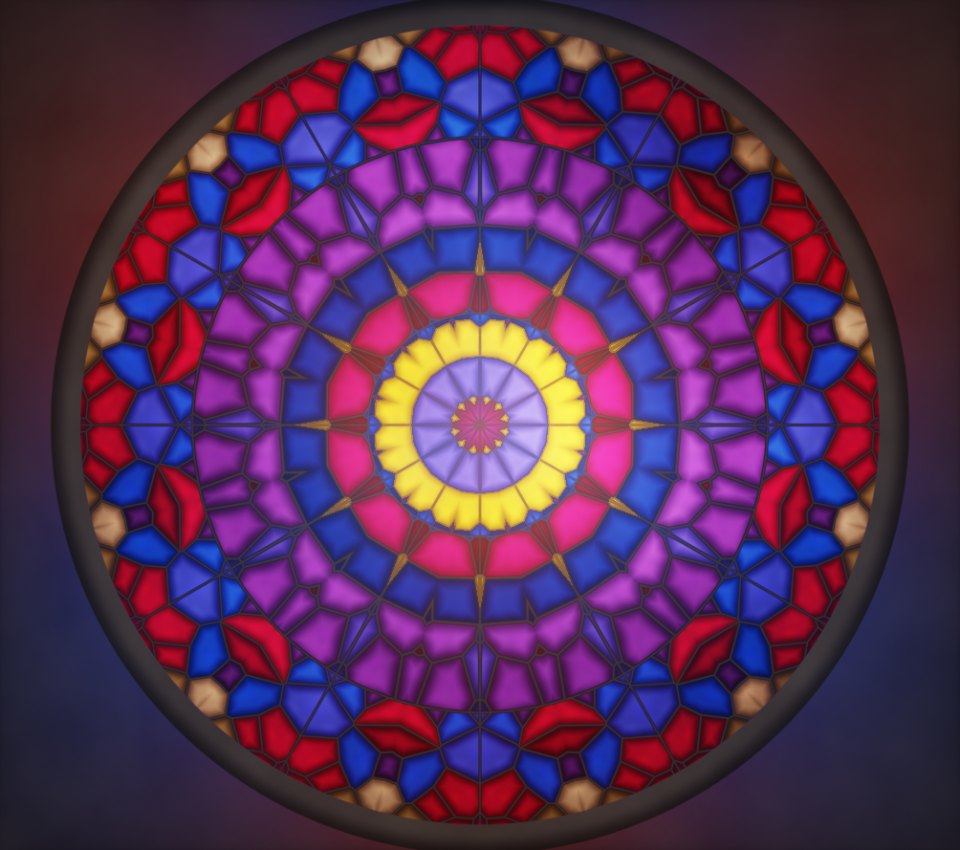
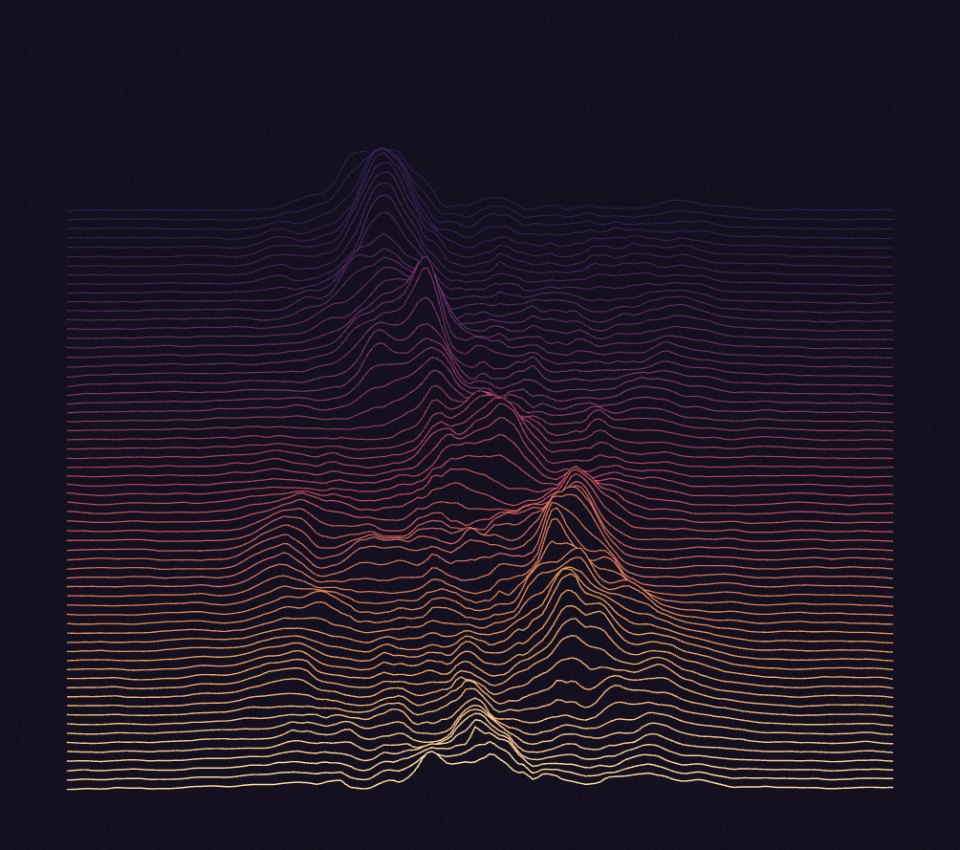
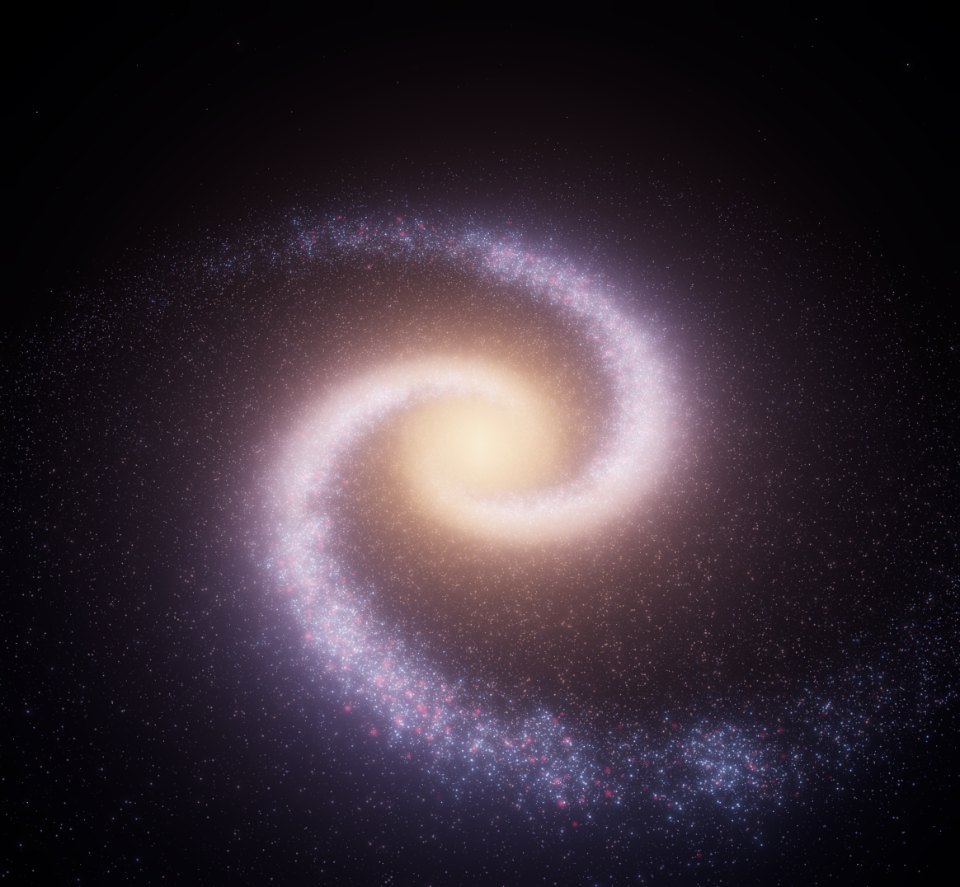
Publish when it’s ready
Publishing lists the piece under Recent on the home page and on the community page, where anyone can watch and remix it. Later edits don’t change what’s published; publish again to add the new version. Unpublish and it’s unlisted, while the link keeps working.
See the community pageWithout a server
The link is the artwork
Open in viewer makes a link that carries the whole piece: its code and control values, compressed into the address itself. Nothing is stored anywhere. Share falls back to the same kind of link whenever cloud storage can’t be reached.
04 / Files
Keep
the file.
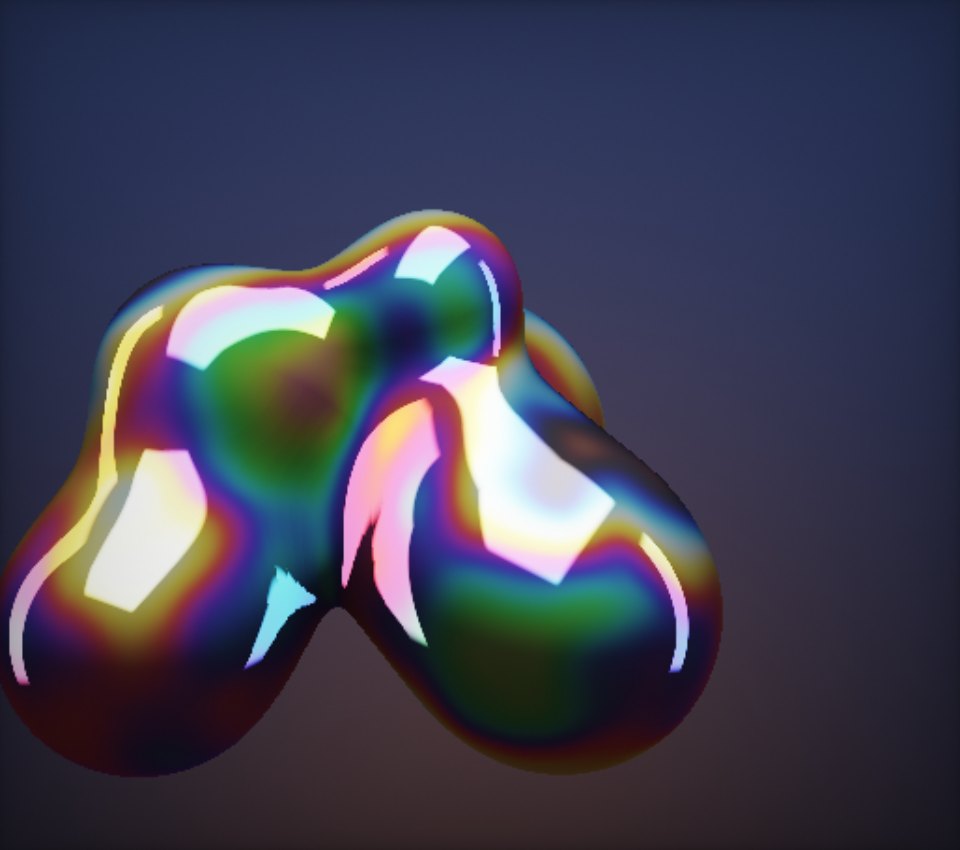
Three ways to take a piece off the site entirely. These buttons are wired to the piece beside them, so try one: it does exactly what the Export menu does in the studio.
Standalone HTML
.htmlOne file with the piece, its control values and the runtime inside. Open it in any browser or host it anywhere. Shaders need nothing else; 3D and 2D pieces fetch their engine from a public CDN.
Still image
.pngThe frame that’s on screen right now, as a lossless PNG. Pause first if you’re after an exact moment.
6 second clip
video6 seconds recorded straight from the canvas at 60 frames a second, saved as MP4 or WebM depending on your browser. Made for a post.